DX-80 INSTALLATION AND MAINTENANCE MANUAL
P7290 IMM 3-150
• Press [next ] to advance to the next numbering plan item.
• When the numbering plan program to change displays, press [show].
• The first parameter is “Length.” If this is to be changed press [chg] until the appropriate length for this
code displays.
Or…
• Press [next ] until the Leading digit to be programmed displays.
• Press [chg] to allow an entry into this item.
• Input the leading digit(s) to be assigned to this system resource.
• Press [save ].
• Press [next ] to advance to the next Leading Digit to program or until the next Numbering Plan item to
be changed displays.
• Repeat the steps above for all Numbering Plan items to be changed.
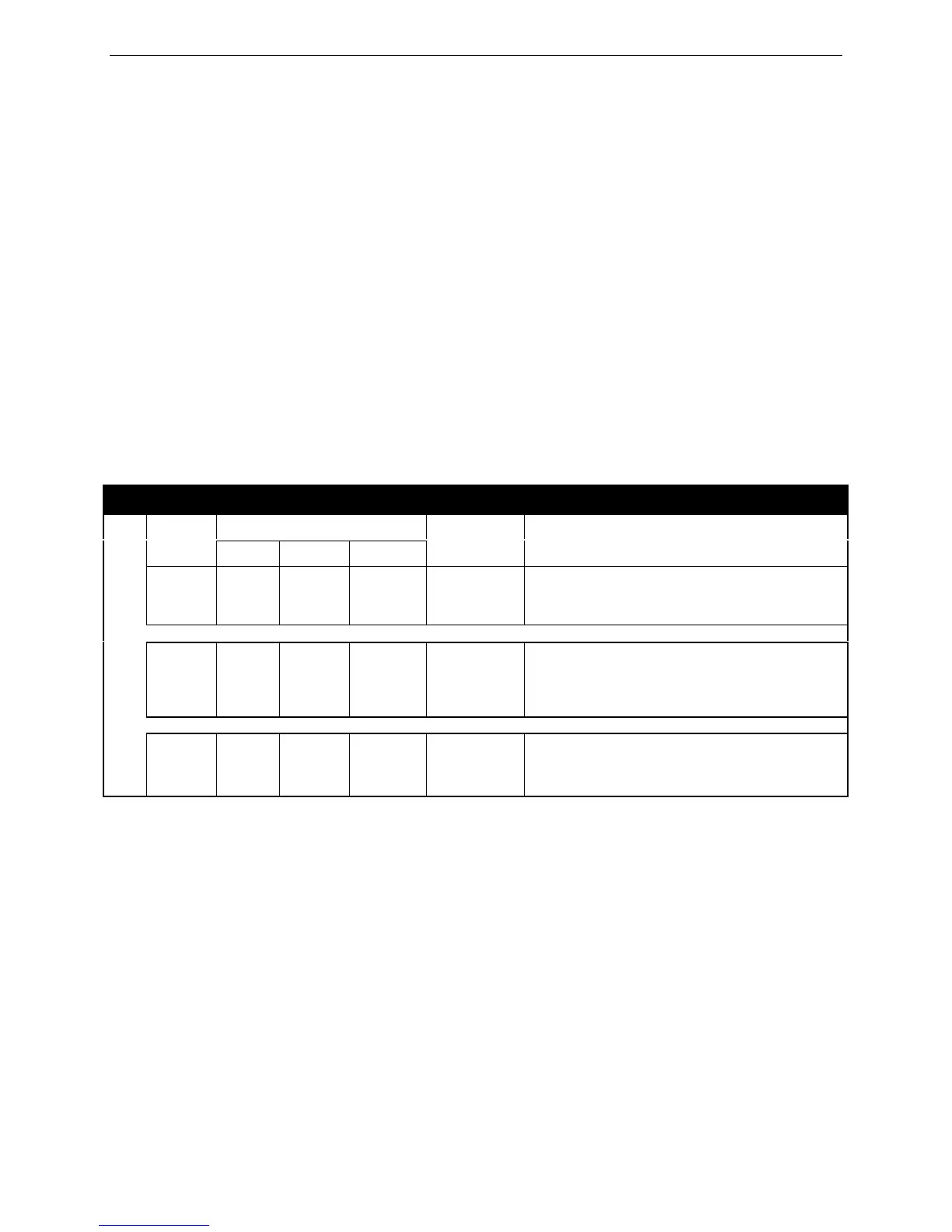
Reference the tables below for information on Numbering Plan capabilities.
Pickup Group Directory Number Examples
Leading Digit(s)
Length
1 2 3
Resulting
Code
Comments
A 2 4 Null Null 40-47
1. Users dial 40-47 for Group Pickup.
2. The digit “4” is unavailable as the first digit for
any other directory number use.
B 2 44 45 Null 44,45
1. Users dial 44 or 45 for Group Pickup.
2. There are only two Group Pickup groups.
3. Digits 40-43, 46-49 are available as the first
two digits for other numbering plan requirements.
C 3 44 Null Null 440-447
1. Users dial 440-447 for Group Pickup.
2. Digits 40-43, 45-49 are available as the first
two digits for other numbering plan requirements.














 To Next Page