GCA70258 LCD Speakerphone Station User’s Guide
August, 03 Comdial 21
• To monitor another telephone,
1. OBSERVE the BLF light indications next to the Direct Station Select
(DSS/BLF) button:
• Off = Station is idle
• Flashing (if enabled) = Station has an incoming call
• On = Station is busy
• To call an idle monitored station or to answer one that is
ringing,
1. NOTE the BLF light condition.
2. PRESS assigned DSS/BLF button.
3. SPEAK toward telephone, OR LIFT handset if privacy is desired.
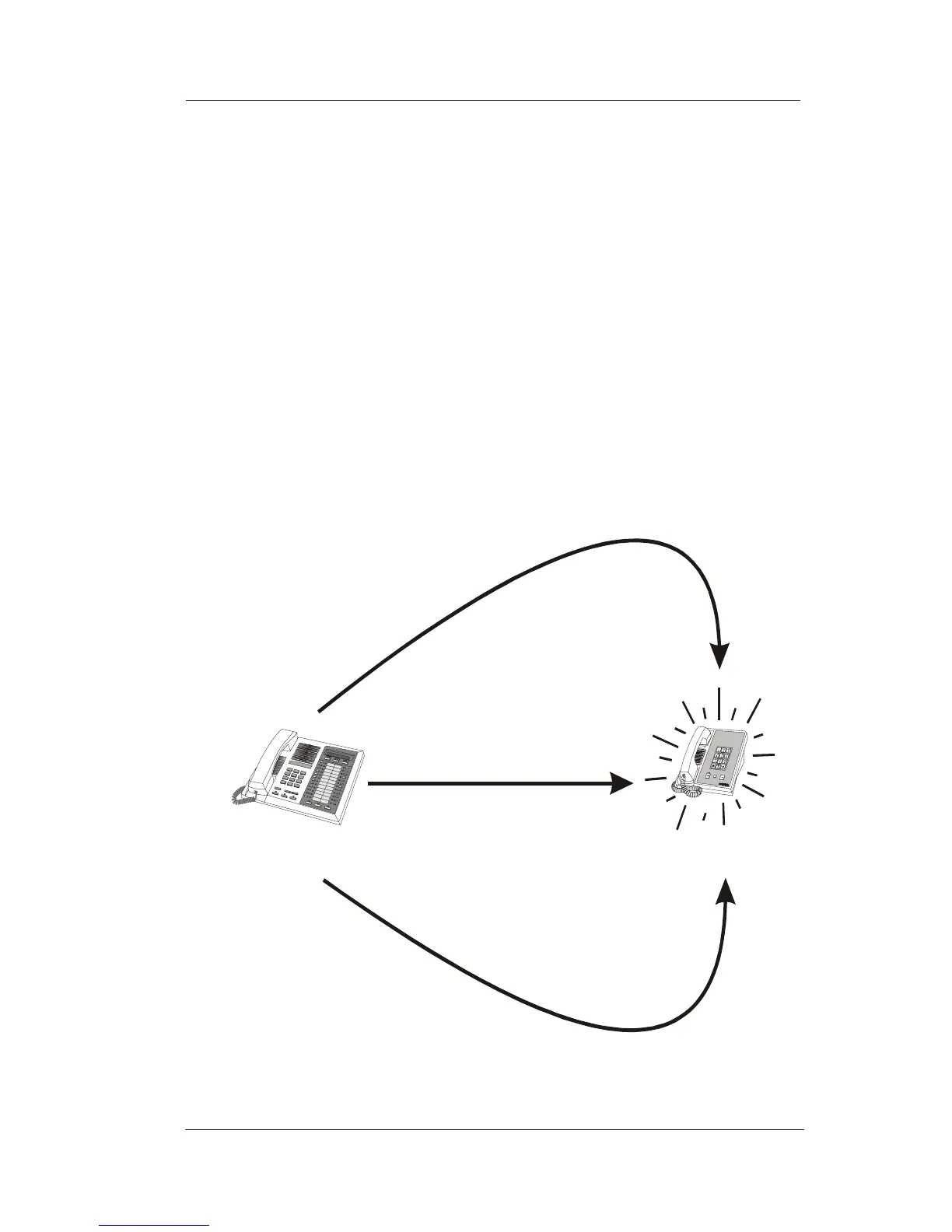
Your
Station
Ringing
Station
If ringing telephone
is within your designated
calling group...
...DIAL # 4
For any ringing telephone...
...DIAL 4 + extension code
✳
If you have programmed
a DSS/BLF button for
the ringing telephone...
...PRESS
flashing
DSS/BLF
button
Answering Calls for Other Stations












 To Next Page