GCA70258 LCD Speakerphone Station User’s Guide
August, 03 Comdial 65
6.5 Reminder Alert
You can set up to two reminder alerts to sound at your LCD speaker-
phone so that you will remember important regular events or occa-
sional events.
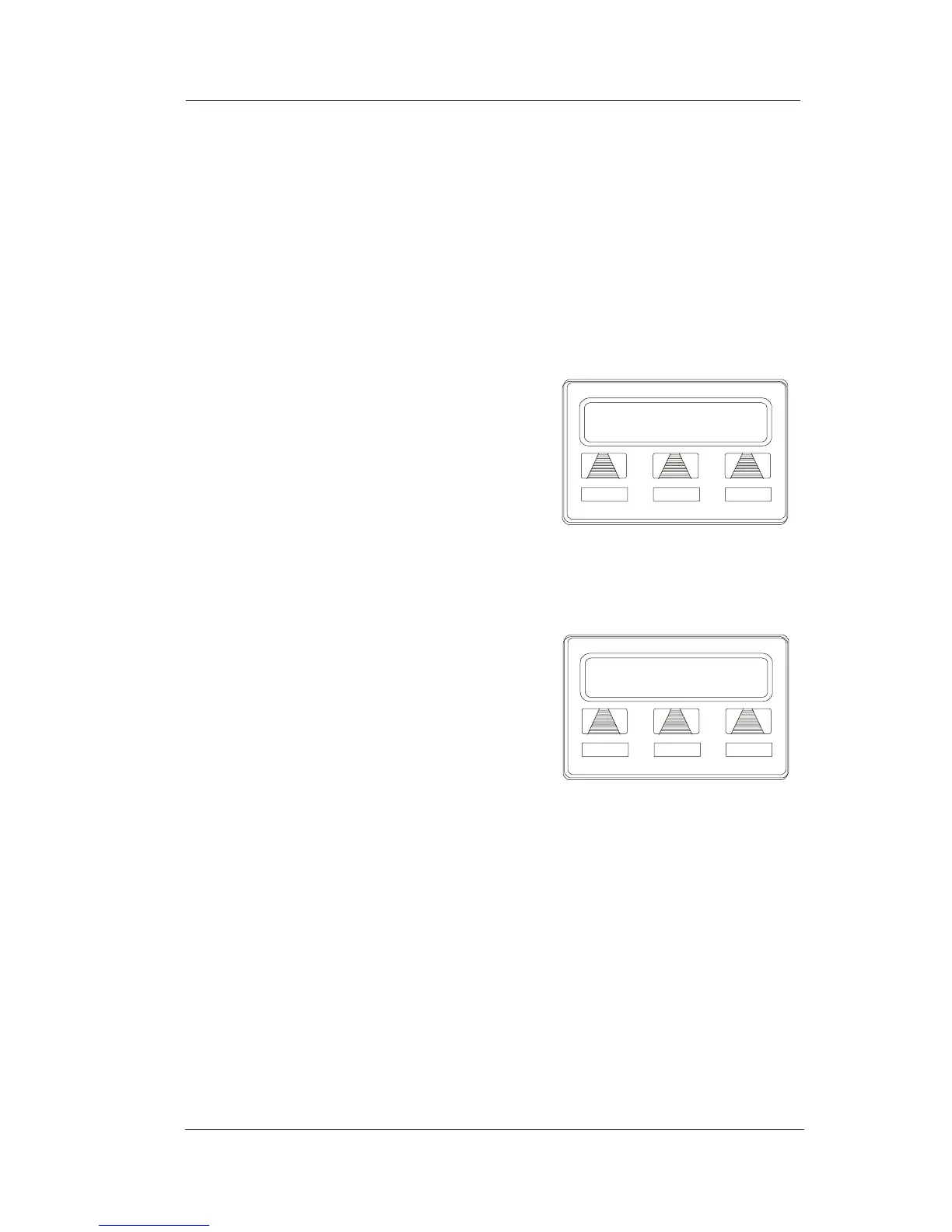
• To set a reminder alert at your telephone,
1. SELECT OPTIONS.
2. SELECT NEXT until the ALERT
option appears.
3. SELECT ALERT.
4. SELECT 1 OR 2 to select available
alert designation; if you have already
programmed an alert for 1, select 2 to
set a second alert condition.
5. SELECT ON (Select OFF to turn off
an alert that has already been set).
6. DIAL reminder time using the num-
bers on the dial pad (remember to dial
a zero before single digit times: 01 for
one o’clock, 02 for 2 o’clock, etc.).
7. SET AM or PM.
8. SELECT SAVE.
9. PRESS SPEAKER to quit.












 To Next Page