Advanced Call Handling
44 Comdial August, 03
4.5.2 HANDLING PARK RECALLS
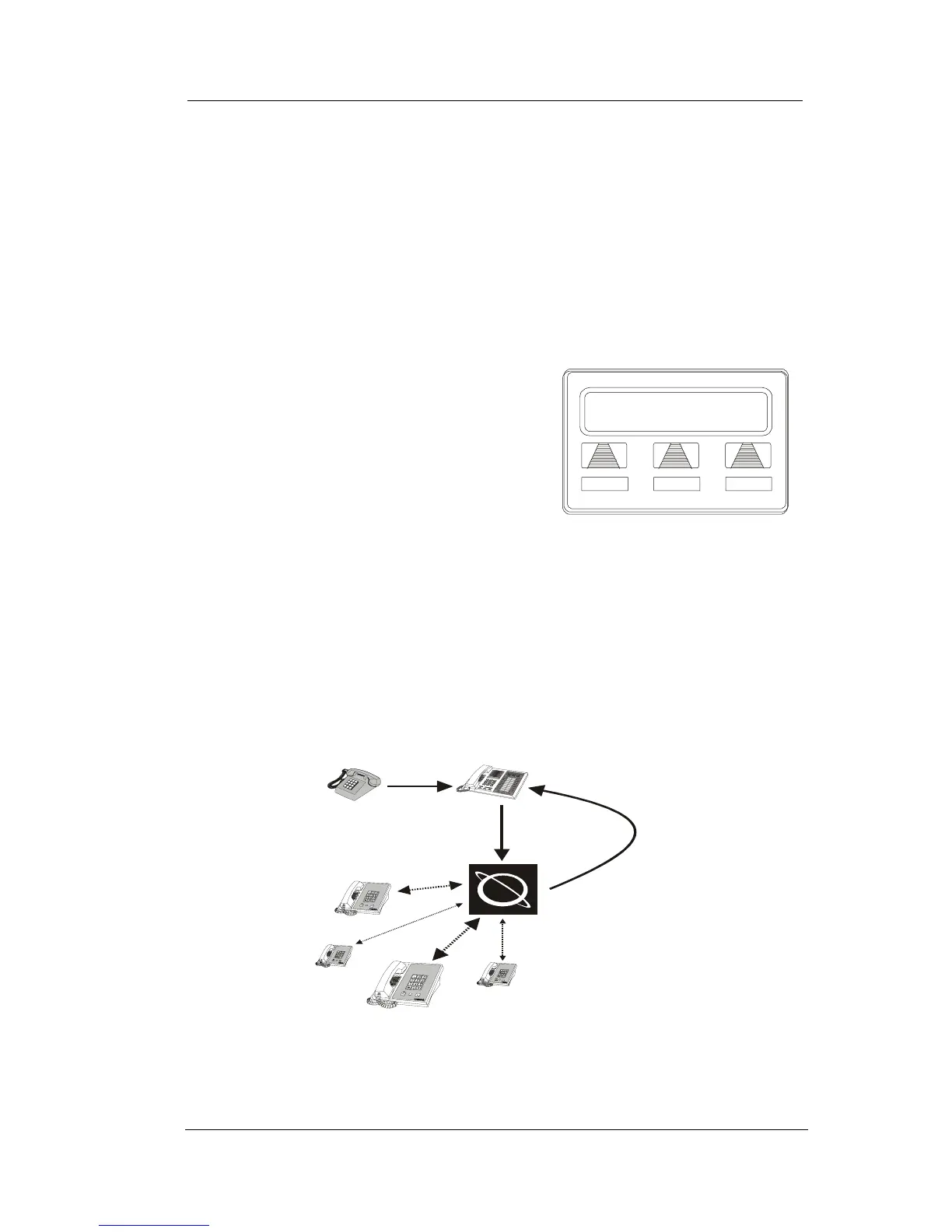
When a parked call times out of the system, it returns to your tele-
phone in the form of a park recall (you hear four short tone bursts at
12-second intervals).
• To answer a park recall,
—SELECT ANS. The call will then
connect to your station.
• To place a park recall on hold at
your station,
—SELECT HOLD. After the call
remains on hold for a period of time,
it rings back to your telephone as a
hold recall.
• To re-park a park recall and restart the park timer,
1. ANSWER/RETRIEVE call.
2. SELECT PARK (the system places the call back in its original park
orbit where it remains until it is answered or recalls again).












 To Next Page