GCA70258 LCD Speakerphone Station User’s Guide
August, 03 Comdial 77
• Program the enable/disable buttons (at any blank
programmable button location) as follows:
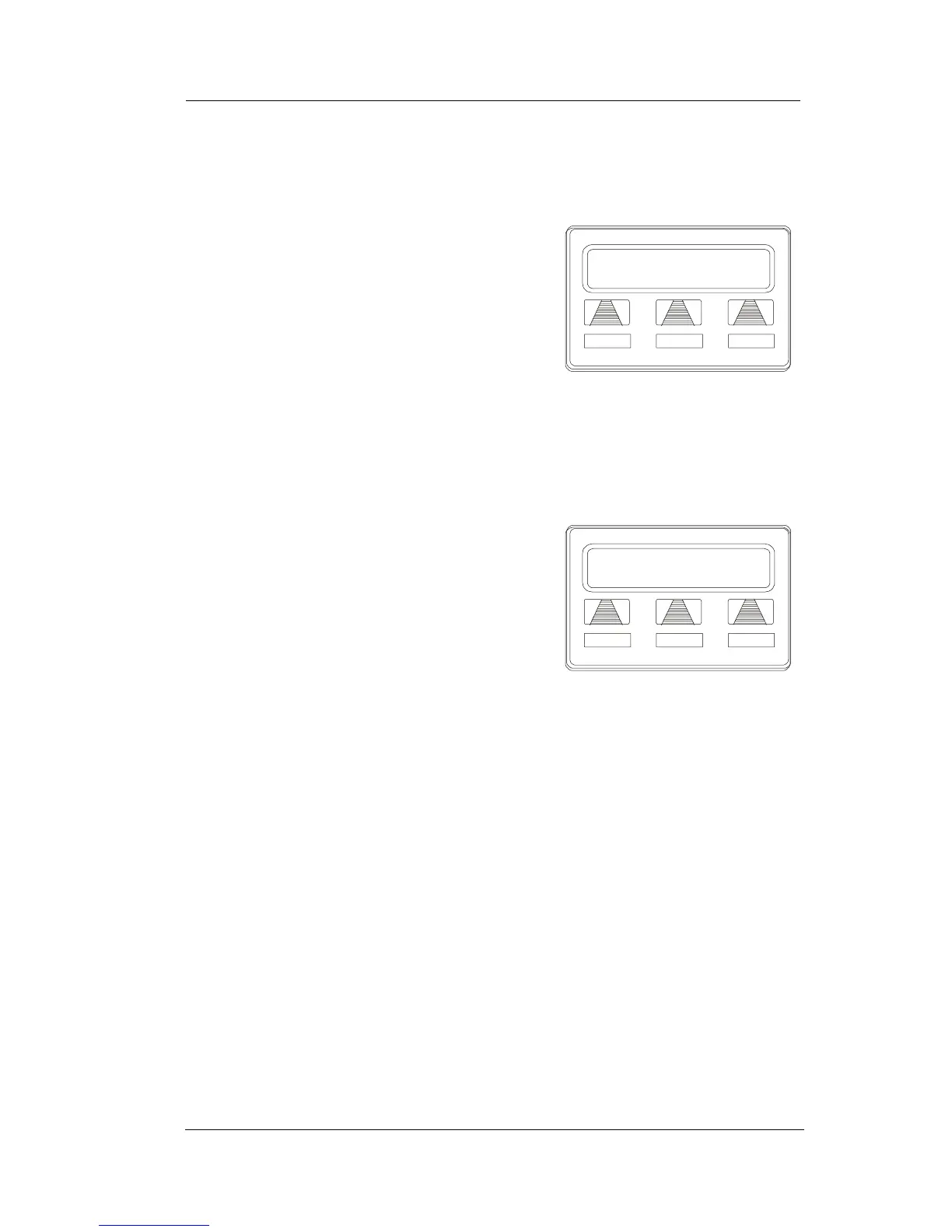
1. SELECT OPTIONS.
2. SELECT NEXT until the FEAT
option appears.
3. SELECT FEAT.
4. SELECT NEXT until the desired
options appear.
5. SELECT desired auxiliary feature:
• APAGE to choose pager
• ARECD to choose recorder
• ARING to choose external ringer
• HDSET to choose headset
6. PRESS blank programmable button
location to serve as enable/disable
button for the feature you’ve selected.
7. RETURN to previous steps to add
another device, OR SELECT
SPEAKER to quit.
SPKR to Quit
DSS FEAT NEXT
Programming Button
Program Button
ARING HDSET NEXT
Selecting a Feature












 To Next Page