Atena Easy Addressable Fire Alarm Panel – Installation and Programming Manual
39
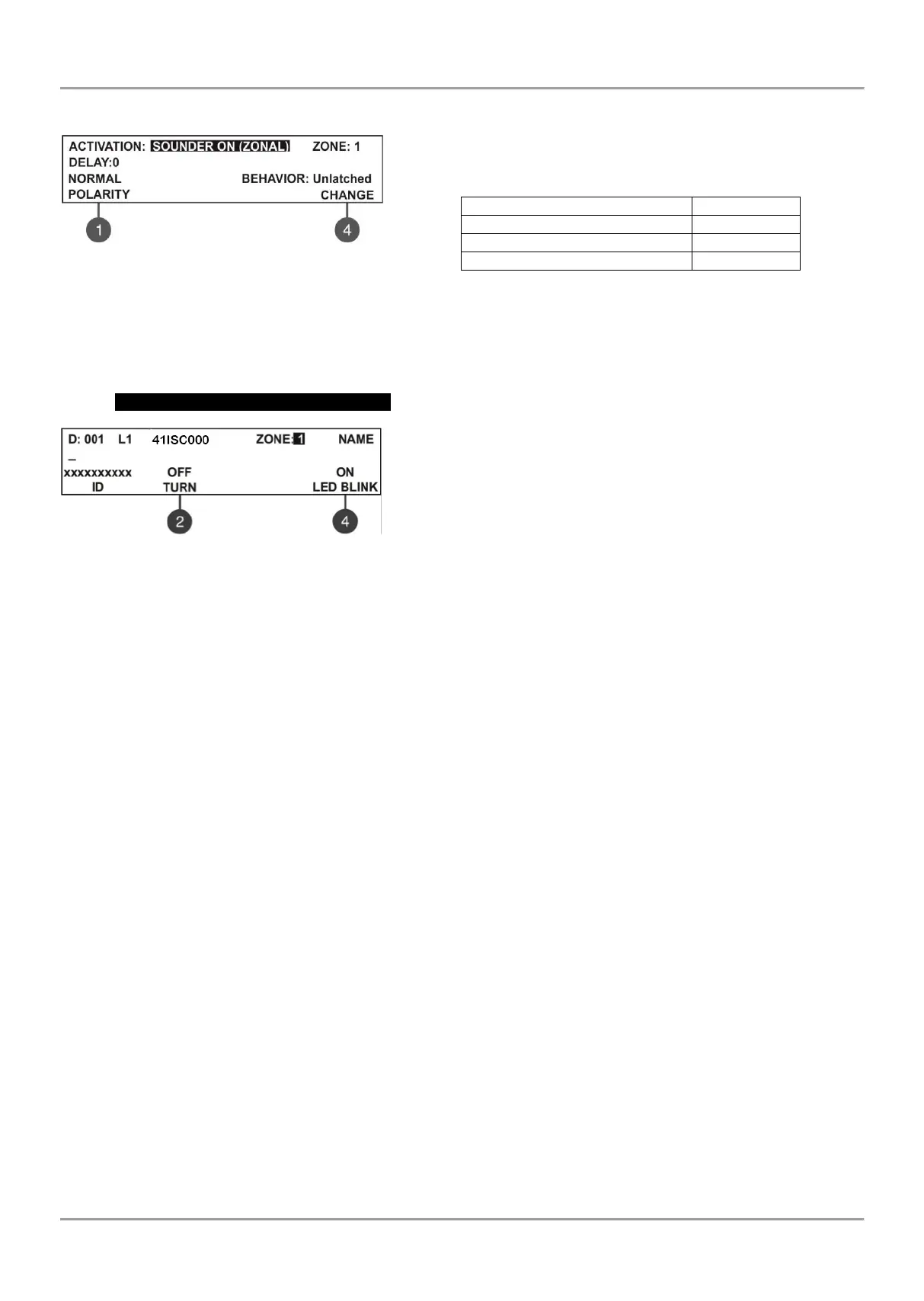
Attention: The event “SOUNDER ON (Zonal)” is used for zonal
activation of the conventional sounders connected to the module.
The output active state during evacuation cycle running is as follows:
Evacuate settings (item 7.6.6)
All set parameters are confirmed with ENTER button. The exit to the main screen of DEVICES SETUP menu is with
pressing CANCEL button.
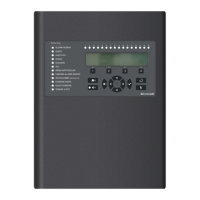
41ISC000 – Module conventional zone
This is a conventional zone module for connecting up to 32
conventional detectors. The module monitors and sends warning
messages for the following fault events: fire alarm, short-circuit,
removed detector from its base and breaking off the loop line (when
operating with Comelit conventional detectors is a must to connect an
EOL module at the end of the line).
All set parameters are confirmed with ENTER button. The exit to the main screen of DEVICES SETUP menu is with
pressing CANCEL button.
7.4. Addressing Menus
Attention: The addressing menus are available only from access level 3!
This menu allows the installer to set or change the device address or to perform self-addressing or auto-addressing
procedure. The type of addressing depends on the installer’s preferences and the system capacity and configuration.
The installer can use the following approaches for adding devices to the system configuration:
• The devices are directly connected to the panel Loop 1 and/ or Loop 2. The panel will recognize them and
gives automatically addresses according the order of the devices in the line. The panel will start with the first free
address in the system configuration. The installer can SAVE the new devices one-by-one or all at the time from the
Menu 3. DEVICES SETUP.
• SELF ADDRESSING. The new devices are prepared for connection to the system configuration - the loop
line is ready but the devices are not installed (the detectors and sounders are not mounted to the bases, the call points
and modules are not connected to the loop). The installer enters 4. Addressing - 4.3. Self addressing menu. The panel
shows the first free address for every of the loops. Now the installer can start mounting detectors and modules one by-
one. The panel will set the displayed address number to the mounted device and automatically proceeds with next free
address in the system.



 To Next Page