EN
10
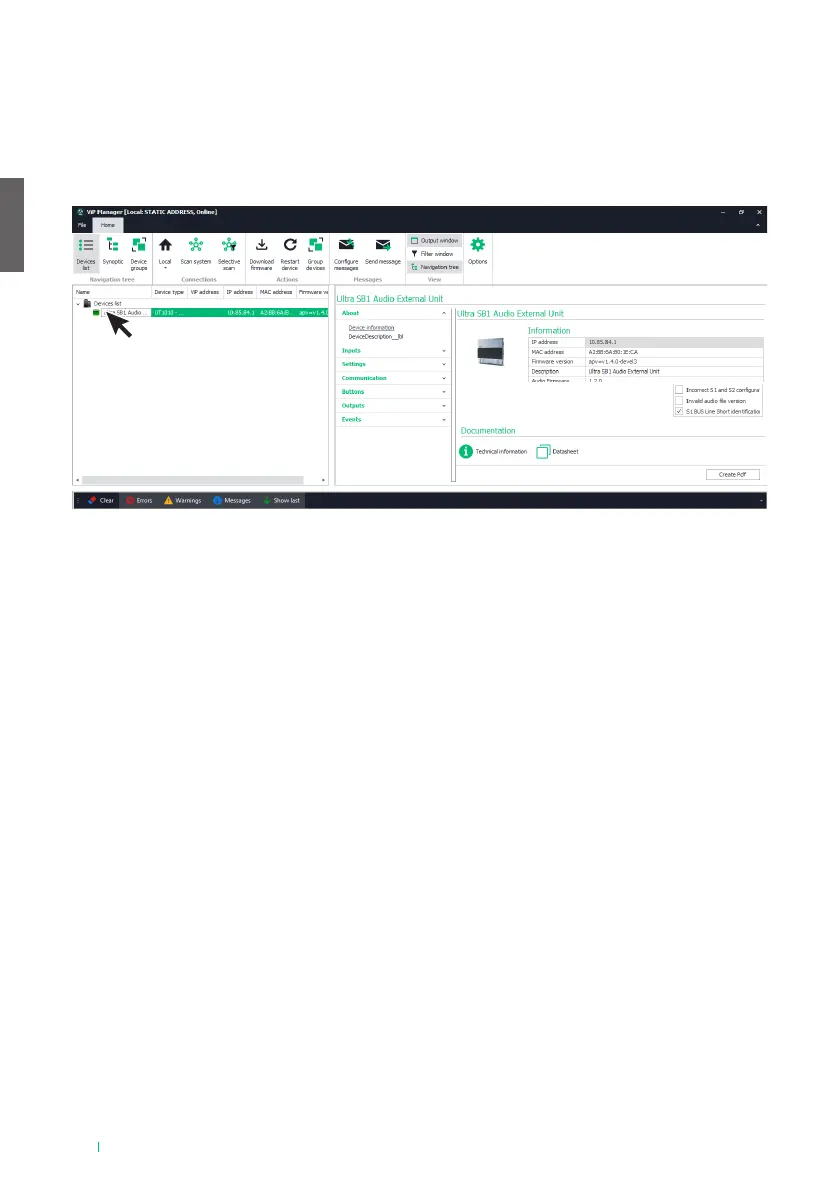
√ Connect the audio module to the computer and open ViP Manager
1. In Options (1), Local connections (2) select the correct network interface “Remote NDIS based Internet
Sharing Device” (3)
2. Confirm by pressing OK (4)
3. Press Scan system (5) to begin searching for devices
4. Select the module
ABOUT
DEVICE INFORMATION
This section shows information relating to the device (the fields cannot be edited)
INPUTS
RTE INPUT
This menu is used to program the actions to be executed upon closure of the RTE input
• Function: action to be executed
◊ None: no action
◊ Lock-release: a Lock-release command is sent (default)
◊ Relay command: activates the relay for the audio or audio module
◊ Actuator control: activates an actuator art.1256 within the system. If this option is selected, the
“Address” field is shown; enter the address of the actuator you want to control (from 1 to 255)
◊ Control on Ultra bus (UDB): activates one of the relays for the number keypad if connected. If this
option is selected, the “Device type > UT9279” field (non-editable) is shown, in addition to “UDB
output type” which can be used to select which relay to activate on the number keypad (Relay 1 or
Relay 2)
◊ Send audio call: makes an audio call to the address entered in the “Address” field (from 1 to 240).
The “Number of calls” field also appears, in which you can select the number of calls to make to the
address entered in the “Address” field (System settings or from 1 to 10)
◊ Door open indication: enables the “Door open” indication on the door entry monitor
◊ SE output command: enables the audio or audio/video module SE output



 To Next Page