EasyManua.ls Logo

Commell MS-C75 - Appendix D <Programming Watchdog Timer

Commell MS-C75
46 pages
Print Icon
To Next Page IconTo Next Page
To Previous Page IconTo Previous Page
Loading...
MS-C75 User’s Manual
-43-
Appendix D <Programming Watchdog Timer >
The watchdog timer makes the system auto-reset while it stops to work for a period.
The integrated watchdog timer can be setup as system reset mode by program.
Timeout Value Range
- 1 to 255
- Second or Minute
Program Sample
Watchdog timer setup as system reset with 5 second of timeout
2E, 87
2E, 87
2E, 07
2F, 08
Logical Device 8
2E, 30
Activate
2F, 01
2E, F5
Set as Second*
2F, 00
2E, F6
Set as 5
2F, 05
* Minute: bit 3 = 1; Second: bit 3 = 0
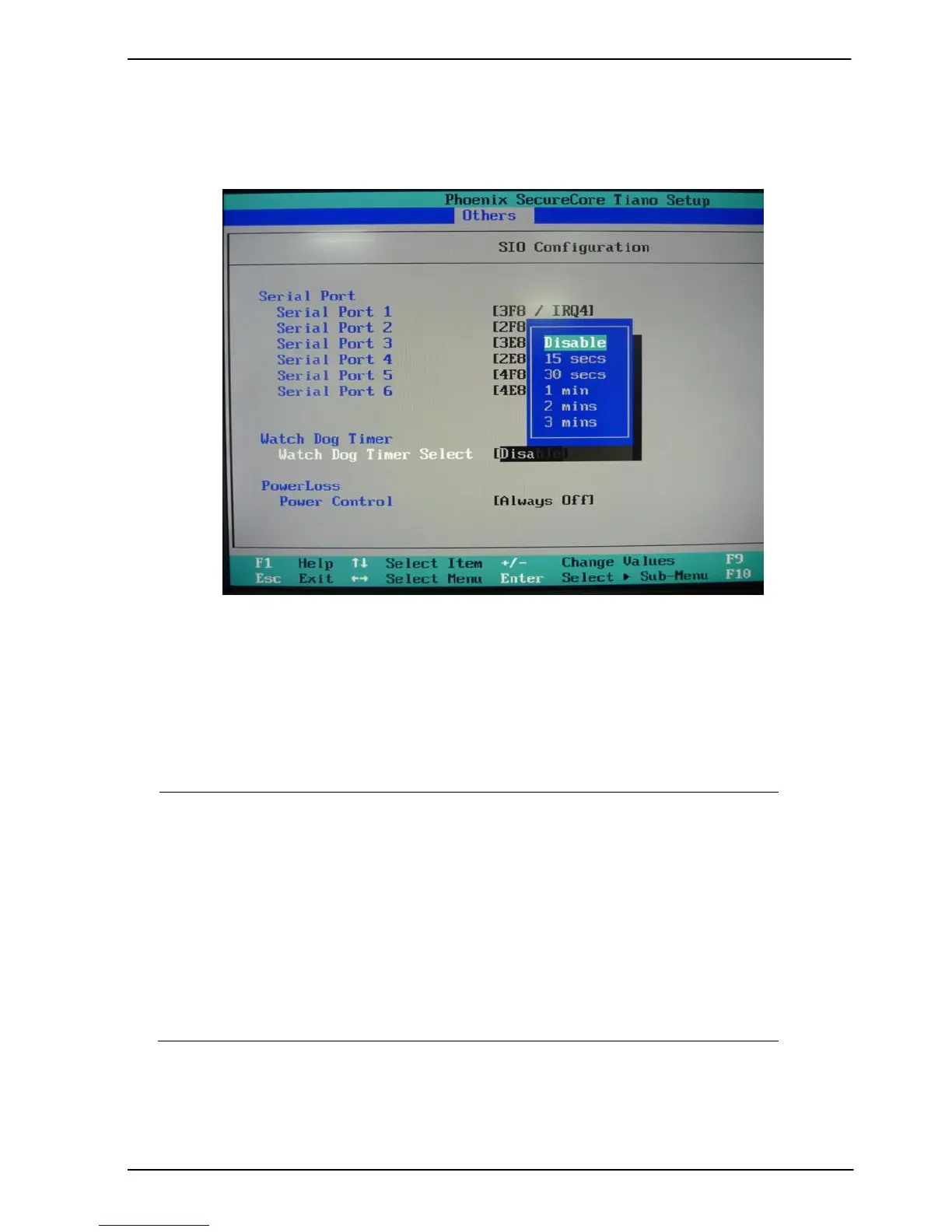
You can select Timer setting in the BIOS, after setting the time options, the system
will reset according to the period of your selection.

Related product manuals