Replacing the LED Board
2-5
Replacing the LED Board
Follow the instructions for removing the System top case on page 2-1.
1. Locate the two LED board screws on Figure 2-2 and remove the screws.
2. Lift the LED board out of the top case and replace it.
3. Reverse the preceding steps to reassemble the case.
Replacing the LED Board Cable
Follow the instructions for removing the System top case on page 2-1.
To remove and replace the LED board cable connected to the LED board:
1. Grasp the connector by the outside edges and pull it straight up and out of the socket.
2. Reverse the preceding steps to replace the cable.
Replacing the Hinge and Case Top Lid
To remove and replace the case top lid:
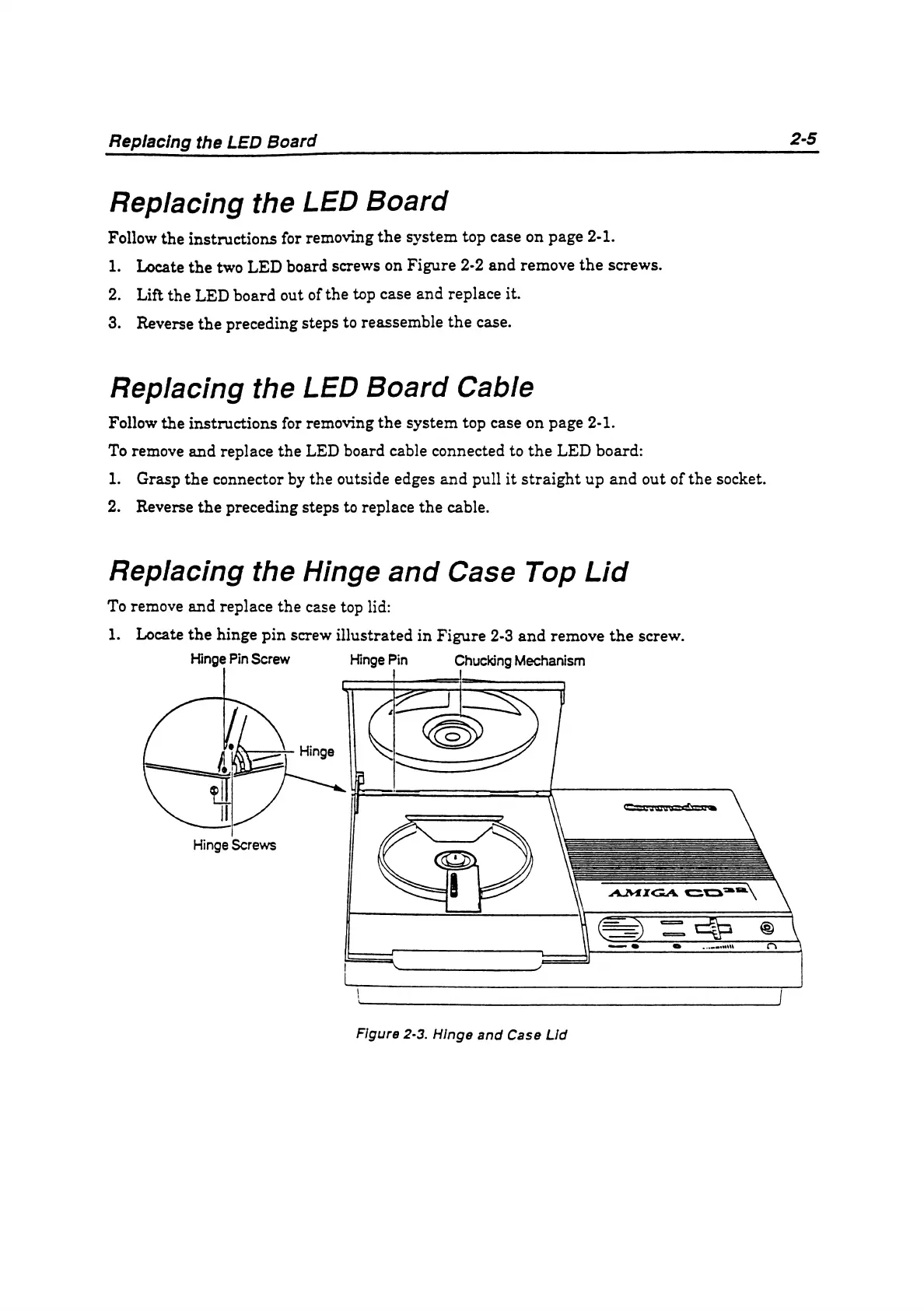
1. Locate the hinge pin screw illustrated in Figure 2-3 and remove the screw.
Figure 2-3. Hinge and Case Lid



 To Next Page