EasyManua.ls Logo

Commodore PC 20 - Page 179

Commodore PC 20
494 pages
Print Icon
To Next Page IconTo Next Page
To Previous Page IconTo Previous Page
Loading...
c
MS-DOS Commands
41
The
copy
command
also allows you
to
append
files.
To
do
this Appending files
you simply list any
number
of
files as options
to
copy,
each
separated by a plus sign ( +
),
then
specify a target file
to
send
the
combined
files
to;
for example:
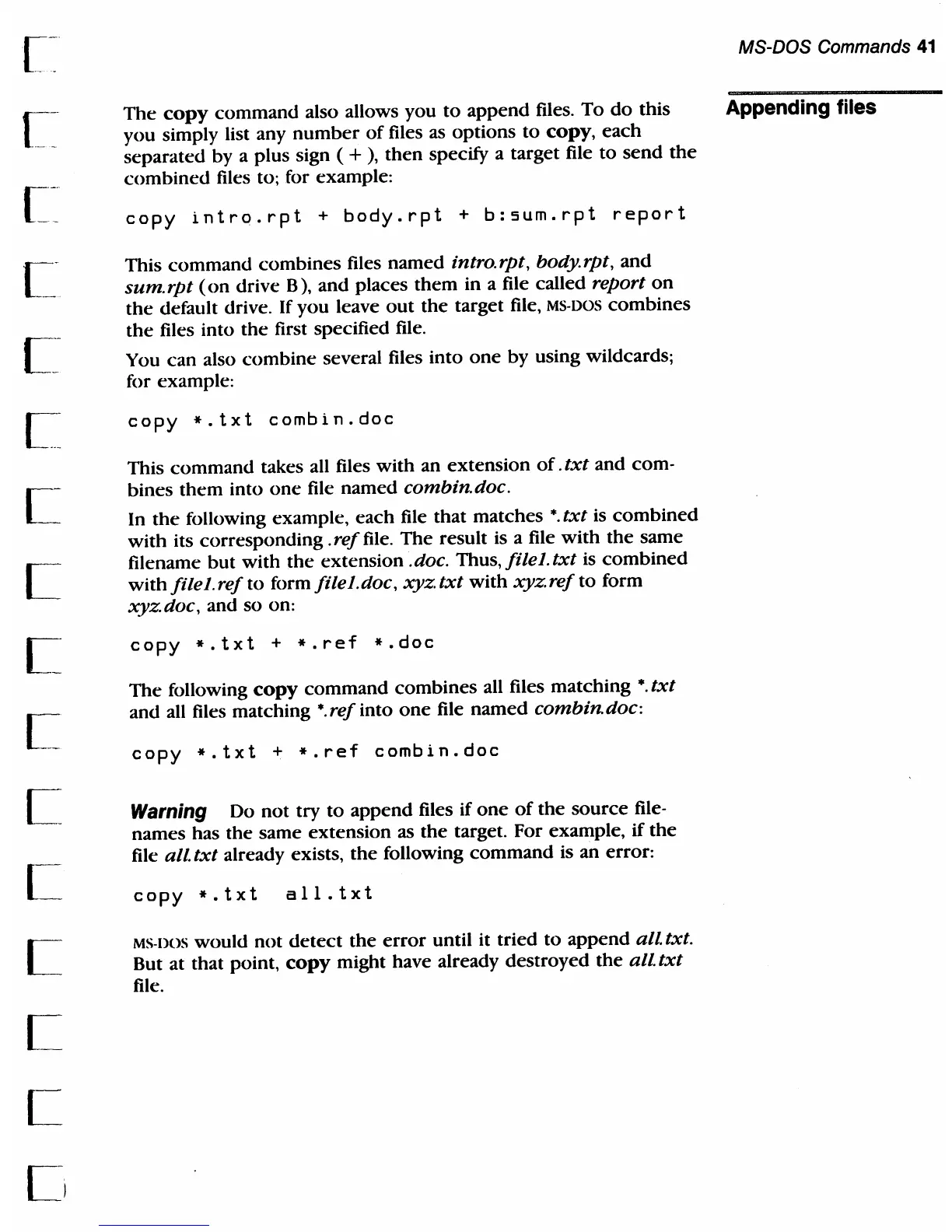
copy
intro.rpt
+
body.rpt
+
b:sum.rpt
report
This
command
combines
files
named
intro.rpt, bOdy.rpt,
and
sum. rpt
(on
drive B), and places
them
in a file called report
on
the
default drive. If you leave
out
the target file,
MS·
DOS
combines
the
files into
the
first specified file.
You
can
also
combine
several files into
one
by using wildcards;
for example:
copy
*.txt
combin.doc
This
command
takes all files
with
an extension
of.
txt
and com-
bines
them
into
one
file named combin.doc.
In
the
folloWing example,
each
file
that
matches
*.
txt
is
combined
with
its corresponding .
ref
file.
The
result is a file
with
the
same
filename
but
with
the
extension .doc. Thus,
filel.txt
is
combined
with
filel.ref
to
formfilel.doc,
xyztxt
with
xyzrefto
form
xyzdoc,
and so on:
copy
*.txt
+
*.ref
*.doc
The
following
copy
command
combines
all files matching
*.
txt
and all files matching
*.
ref
into
one
file
named
combin. doc:
copy
*.txt
+
*.ref
combin.doc
Warning
Do
not
try
to
append
files if
one
of
the
source
file·
names has the same extension as the target. For example, if
the
file
all
txt
already exists,
the
following
command
is an error:
copy
*.txt
all.txt
MS·
DOS would not
detect
the
error
until it tried
to
append all. txt.
But at that point,
copy
might have already destroyed
the
all
txt
file.

Table of Contents

Related product manuals