128 MS-DOS User's Reference
Using the special
editing keys with
Edlin
Special Editing Keys
To
edit
your
text
files you
can
also use
the
special editing keys
and
template
introduced
in Chapter
S,
"MS-DOS Function and
Editing Keys."
The
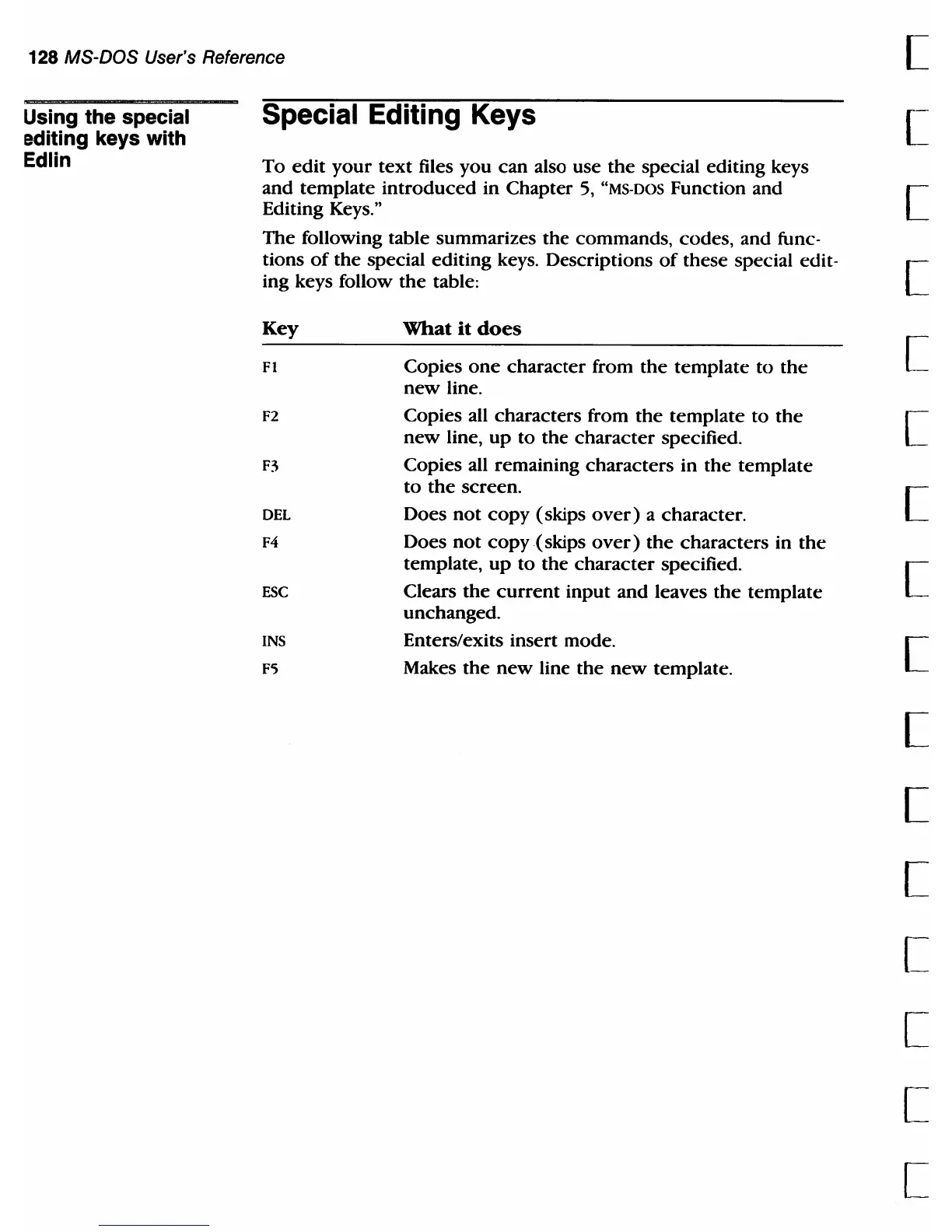
following table summarizes
the
commands, codes, and func-
[
[
[
tions
of
the special editing keys. Descriptions
of
these special edit- [
ing keys follow
the
table:
Key
FI
F2
F3
DEL
F4
ESC
INS
F';
What
it
does
Copies
one
character
from
the
template
to
the
new
line.
Copies all characters from
the
template
to
the
new
line,
up
to
the
character
specified.
Copies all remaining
characters
in
the
template
to
the
screen.
Does
not
copy
(skips
over)
a character.
Does
not
copy
(skips
over)
the
characters in
the
template,
up
to
the
character
specified.
Clears
the
current
input
and
leaves
the
template
unchanged.
Enters/exits insert mode.
Makes
the
new
line
the
new
template.
[
[
[
[
[
[
[
[
[
[
[
[



 To Next Page