EasyManua.ls Logo

Commodore PC 20 - Appendix D: Disk and Device Errors

Commodore PC 20
494 pages
Print Icon
To Next Page IconTo Next Page
To Previous Page IconTo Previous Page
Loading...
F1
Purpose:
Copies
one
character from
the
template
to
the
current
line.
Comment:
When
you
press the FI key,
edlin
copies
one
character
from
the
template
to
the
current
line,
and
turns
insert
mode
off.
Example:
As
an
example
of
how
to
use
the
FI
key
with
edlin, type
the
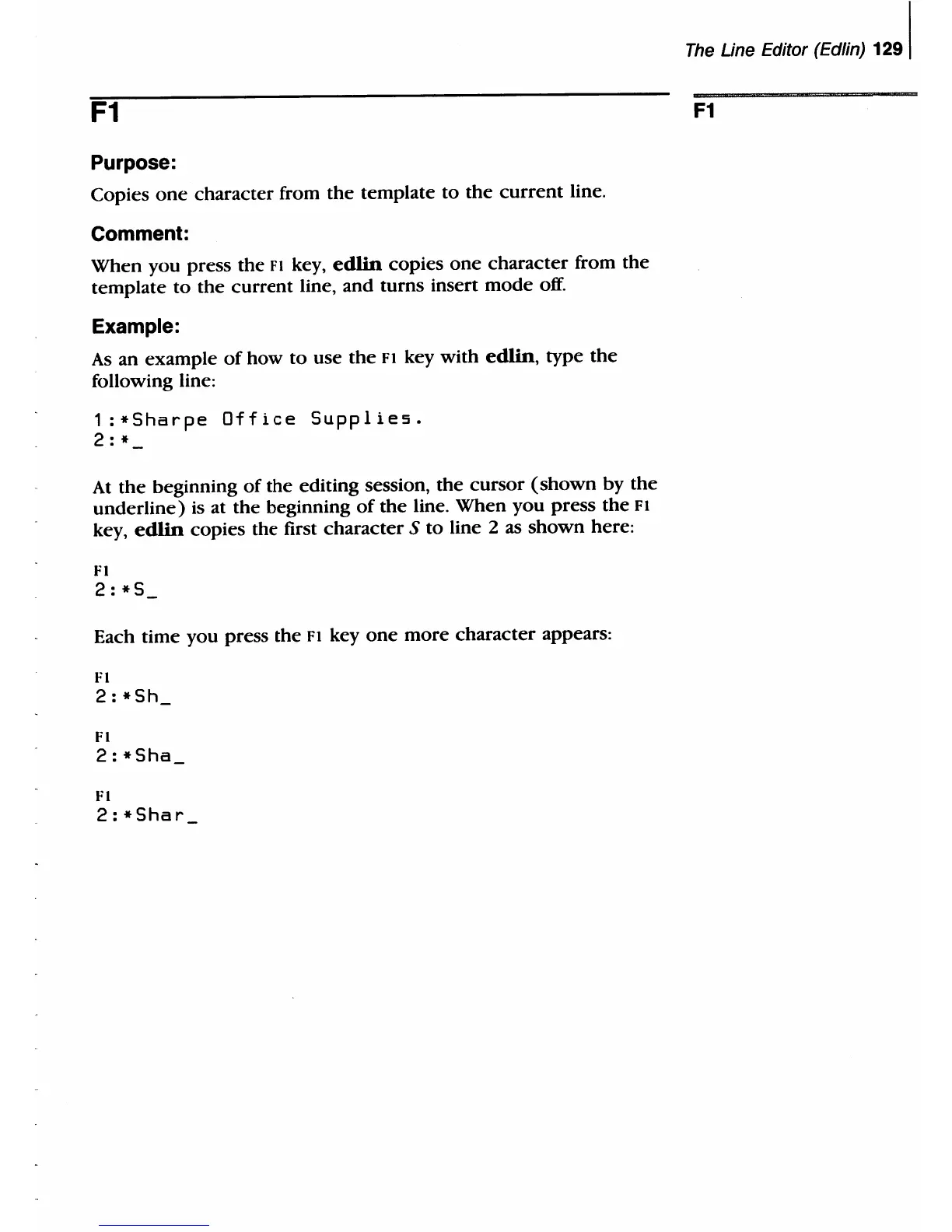
following line:
1
:*Sharpe
Office
Supplie5.
2:
*
At
the
beginning
of
the
editing session,
the
cursor
(shown
by
the
underline)
is at the beginning
of
the
line.
When
you
press
the
F I
key,
edlin
copies the first
character
S
to
line 2 as
shown
here:
Fl
2:*S
Each time you press
the
FI
key
one
more
character
appears:
FI
2:*Sh
Fl
2:*Sha
FI
2:*Shar
The
Line Editor (Edlin)
1291
F1

Table of Contents

Related product manuals