EasyManua.ls Logo

Commodore PC 20 - Page 303

Commodore PC 20
494 pages
Print Icon
To Next Page IconTo Next Page
To Previous Page IconTo Previous Page
Loading...
In
the
previous example,
some
unwanted changes occurred. To
avoid these and to confirm
each
replacement, you
can
use
the
same file
with
a slightly different command.
In
the
next
example you will
see
how
to
replace only certain
occurrences
of
our with tbe.
At
the
edlin
prompt, type
the
fol-
lowing
sequence
of
keys and words, and
then
press
the
RETURN
key:
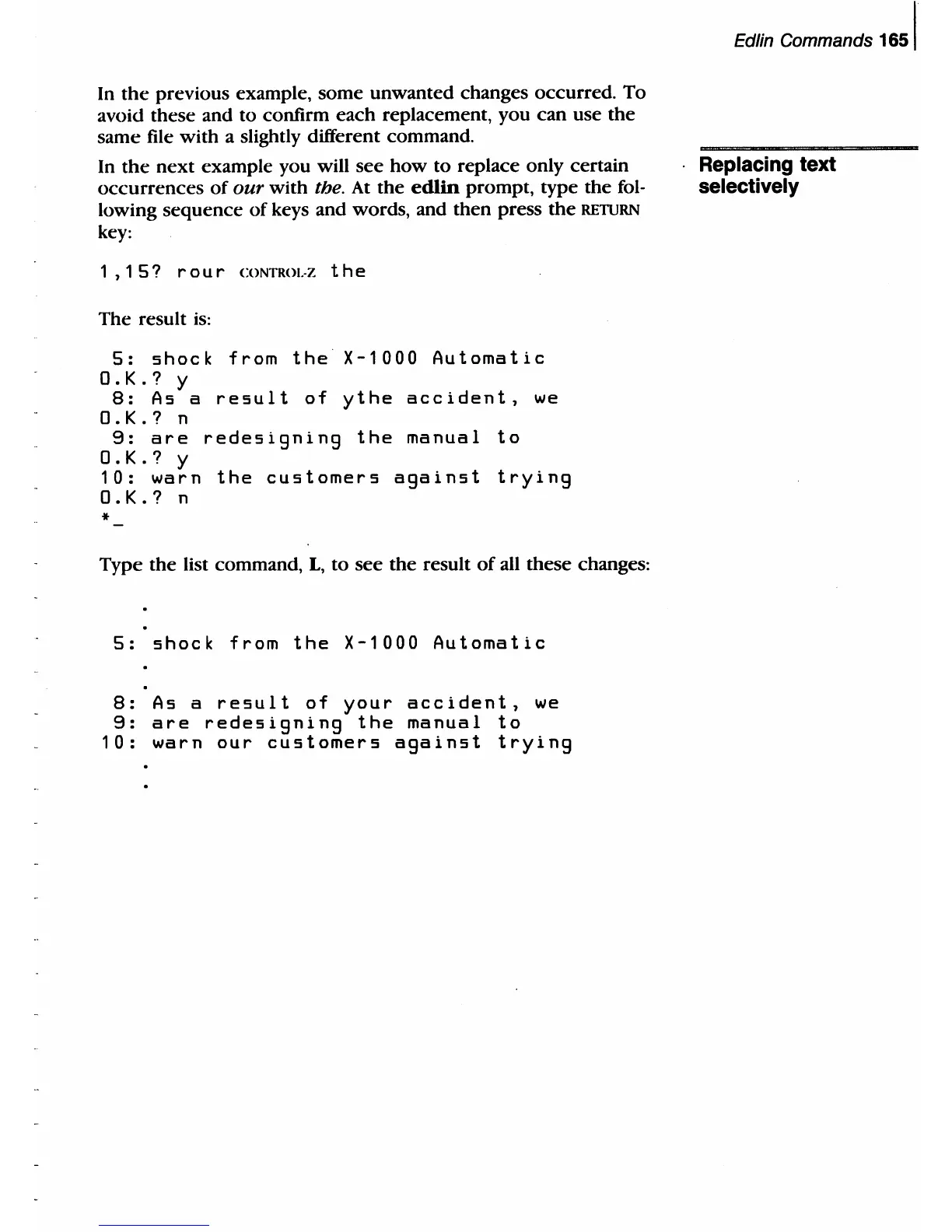
1 , 1
5?
r 0 u r CONTROI.-Z
the
The result
is:
5:
shock
from
the
X-1000
Automatic
O.K.?
y
B:
As
a
result
of
ythe
accident,
we
O.K.?
n
9:
are
redesigning
the
manual
to
O.K.?
y
10:
warn
the
customers
against
trying
O.K.?
n
*
Type
the
list command,
L,
to
see
the
result
of
all these changes:
5:
shock
from
the
X-1000
Automatic
B:
As
a
result
of
your
accident,
we
9:
are
redesigning
the
manual
to
10:
warn
our
customers
against
trying
Edlin Commands
1651
Replacing text
selectively

Table of Contents

Related product manuals