EasyManua.ls Logo

Commodore PC 20 - Page 322

Commodore PC 20
494 pages
Print Icon
To Next Page IconTo Next Page
To Previous Page IconTo Previous Page
Loading...
\184
MS-DOS User's Reference
Using Link with
prompts
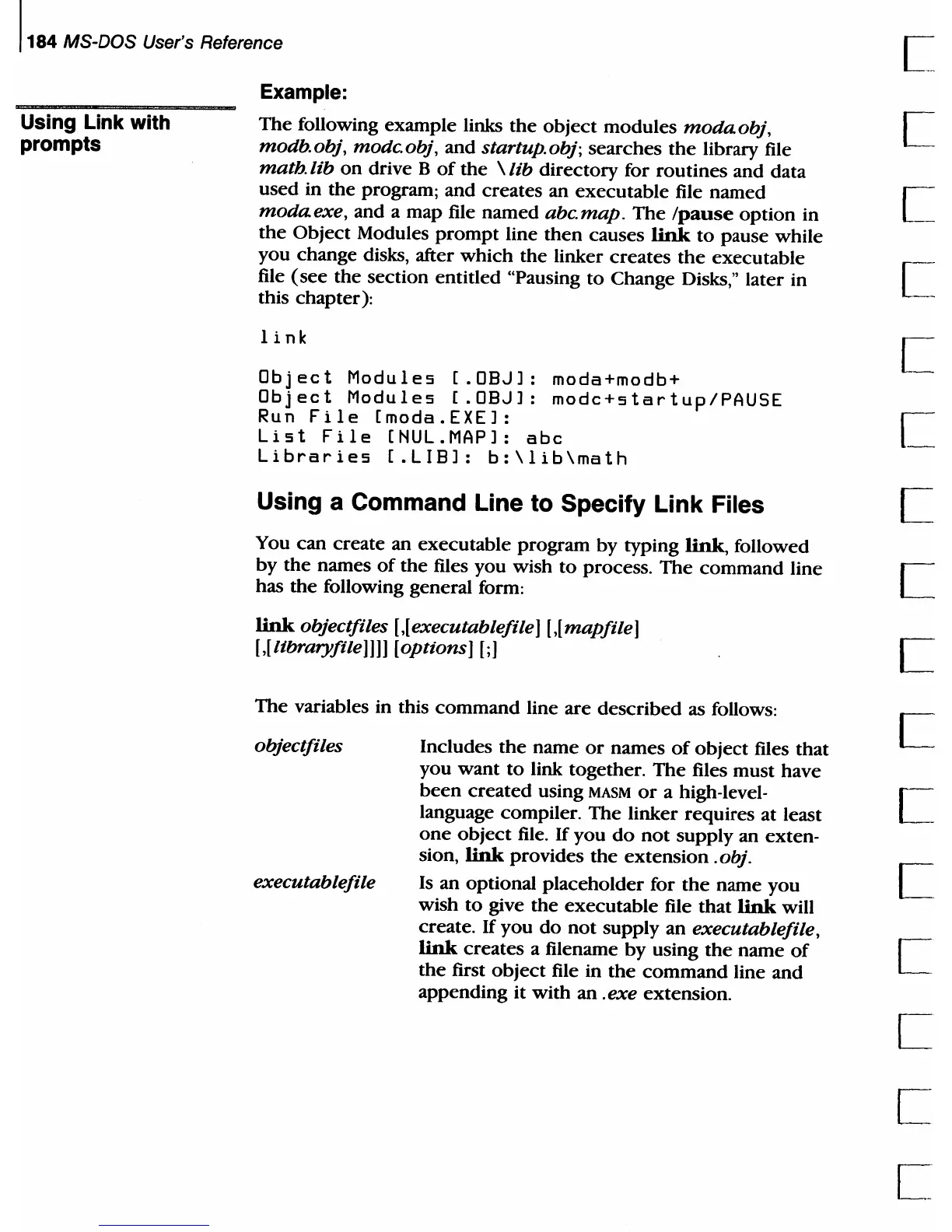
Example:
The
following example links
the
object
modules
modaobj,
mOdb.obj, modc.obj, and startup.obj;
searches
the
library file
math. lib
on
drive B
of
the
\ lib
directory
for
routines
and data
used
in
the
program; and creates an
executable
file
named
modaexe,
and a map file
named
abc.map.
The
Ipause
option
in
the
Object
Modules
prompt
line
then
causes
link
to
pause
while
you change disks, after
which
the
linker
creates
the
executable
file
(see
the section
entitled
"Pausing
to
Change Disks," later in
this chapter):
link
Object
Modules
[.OBJl:
moda+modb+
Object
Modules
[.OBJl:
modc+startup/PAU5E
Run
File
[moda.EXEl:
List
File
[NUL.MAPl:
abc
Libraries
[.LIBl:
b:\lib\math
Using a Command Line to Specify Link Files
You
can
create an
executable
program
by
typing link, followed
by
the
names
of
the
files
you
wish
to
process.
The
command
line
has
the
following general form:
link
objectfiles
[,[
executable
file
1
[,[
mapfile
1
[
,[
libraryfile
llll
[options 1
[;
1
The
variables in this
command
line
are
described
as follows:
objectfiles
executable
file
Includes
the
name
or
names
of
object
files
that
you
want
to
link together.
The
files
must
have
been
created
using
MASM
or
a high-Ievel-
language compiler.
The
linker
requires
at least
one
object
file.
If
you
do
not
supply an exten-
sion,
link
provides
the
extension.
obj.
Is
an optional
placeholder
for
the
name
you
wish
to
give
the
executable
file
that
link
will
create.
If
you
do
not
supply an executable
file
,
link
creates
a filename
by
using
the
name
of
the
first
object
file in
the
command
line and
appending it
with
an .exe extension.

Table of Contents

Related product manuals