EasyManua.ls Logo

Commodore PC 20 - Page 452

Commodore PC 20
494 pages
Print Icon
To Next Page IconTo Next Page
To Previous Page IconTo Previous Page
Loading...
1314
MS-DOS User's Reference
Starting Fdisk
How to Start Fdisk
To start fdisk, you simply type
the
following
command
and press
the
RETURN key:
fdisk
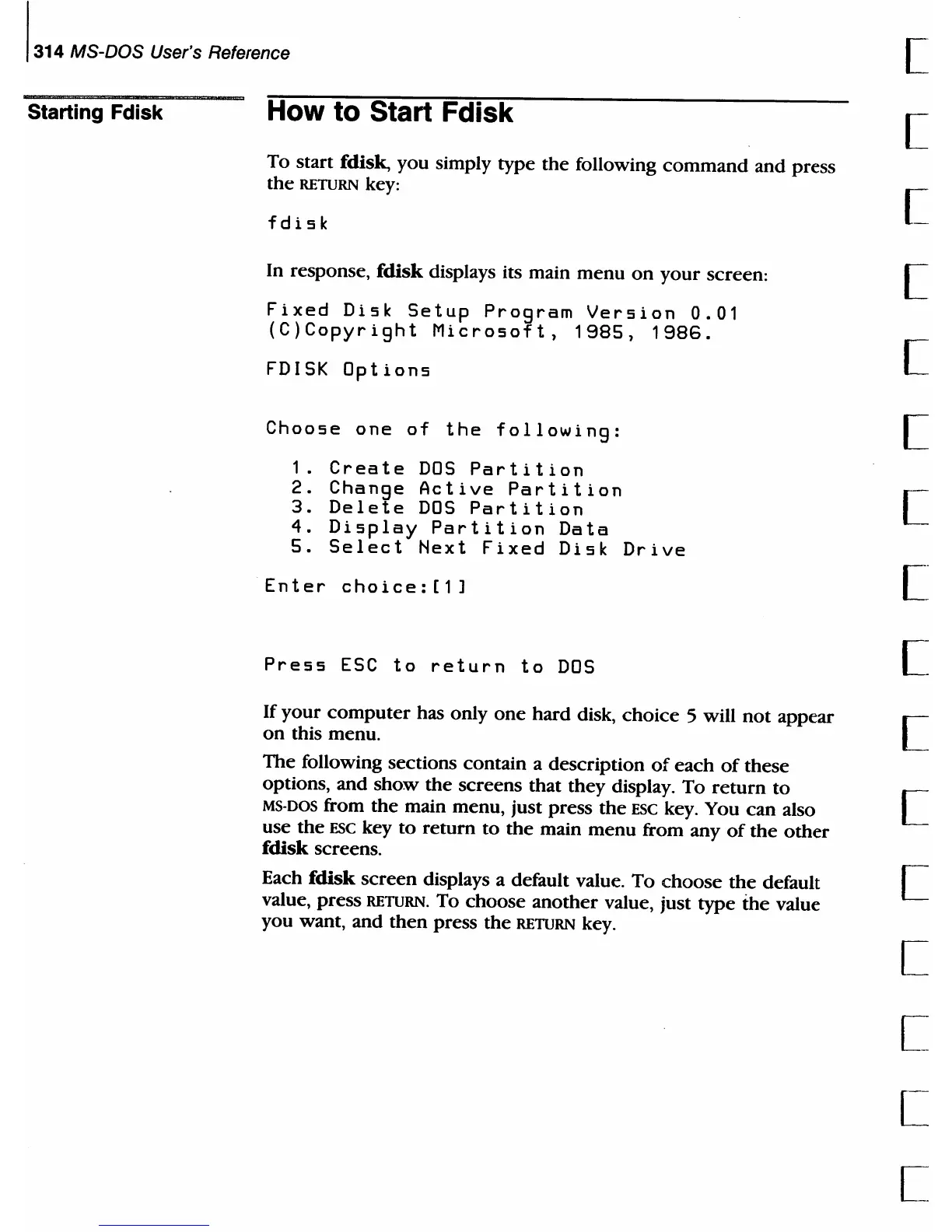
In response, fdisk displays its main
menu
on
your
screen:
Fixed
Disk
Setup
Program
Version
0.01
(C)Copyright
Microsoft,
1985,
1986.
FDISK
Options
Choose
one
of
the
following:
1.
Create
DOS
Partition
2.
Change
Active
Partition
3.
Delete
DOS
Partition
4.
Display
Partition
Data
5.
Select
Next
Fixed
Disk
Drive
Enter
choice:
[1
]
Press
ESC
to
return
to
DOS
If
your
computer
has only
one
hard disk,
choice
5 will
not
appear
on
this menu.
The following sections contain a description
of
each
of
these
options, and
show
the
screens that they display. To
return
to
MS-DOS
from
the
main menu, just press
the
ESC
key. You
can
also
use
the
ESC
key to return
to
the
main
menu
from any
of
the
other
fdisk screens_
Each
fdisk
screen
displays a default value.
To
choose
the
default
value, press
RETURN. To
choose
another
value, just
type
the
value
you want, and
then
press
the
RETURN key.
[
[
[
[
[
[
[
[
[
[
[
[
[
[
[
[

Table of Contents

Related product manuals