M900 GNSS Receiver User Guide
19
• Rover: setting the receiver as a rover.
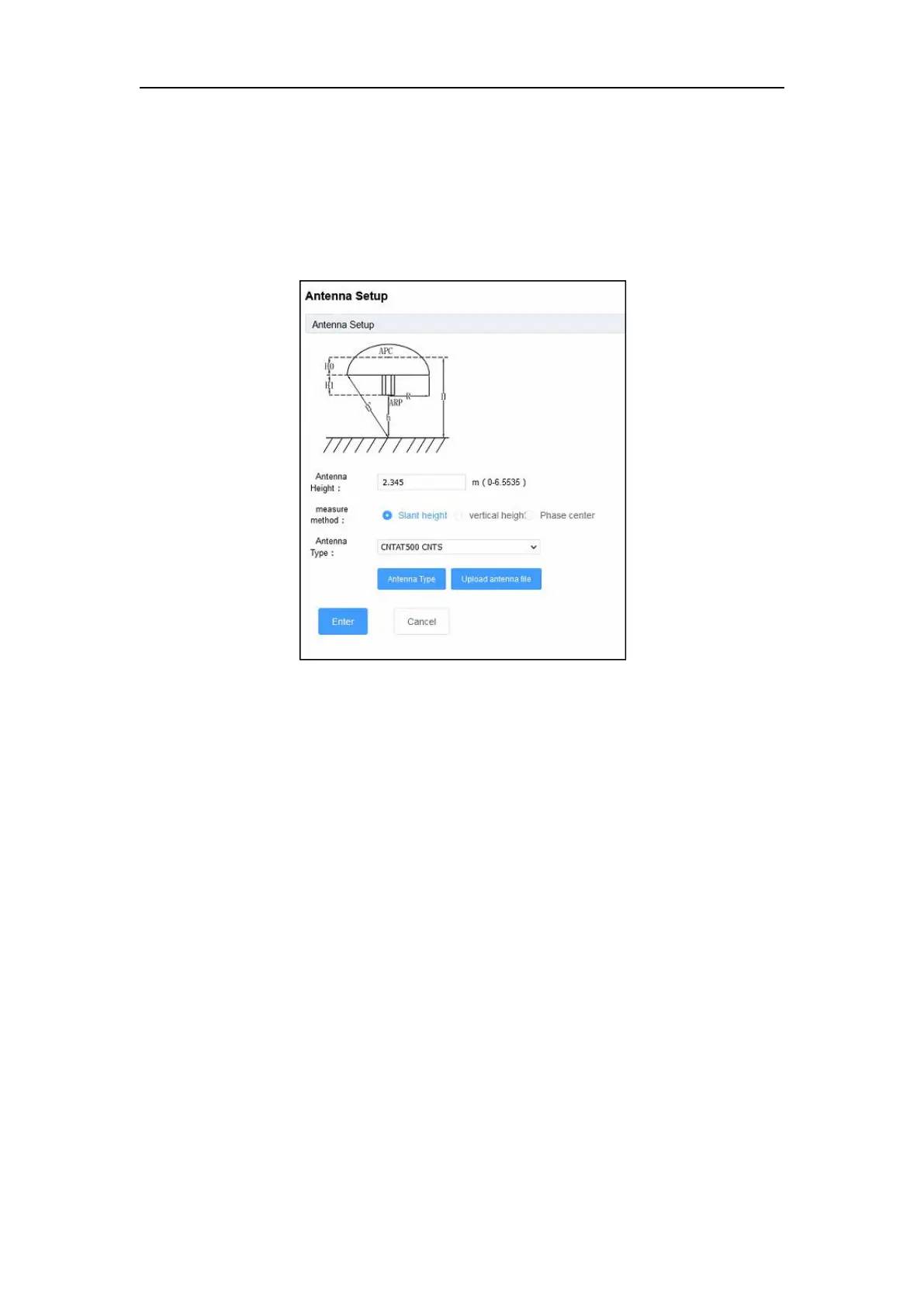
4.3.3 Antenna setup
Enter the proper values of marker name and antenna height (height limited 0 to
6.5535m), select the antenna type and measurement method.
4.3.4 4G network
In this section, you can set up 4G function in M900. When you use a SIM card, you
must enable this feature. It is best to insert the SIM card before turning on the power,
and connect the 4G antenna.
Input your SIM card APN, username and password, then click Start button. If it starts
successfully, you will get signal intensity and SIM ID.


 To Next Page