M900 GNSS Receiver User Guide
31
2. Data download through a USB port
Use Lemo to USB cable to connect M900 with your office computer, internal
memory will be identified automatically as a removable disk. Double click to open
disk, and copy raw data files out.
4.4.4 Receiver utility
In this section, you can control M900, including:
Reboot: Restart the receiver
Factory Default: Recover the receiver to factory default setting
4.5 Firmware update
You can update the system firmware, board firmware, front panel firmware and radio
firmware in this menu.
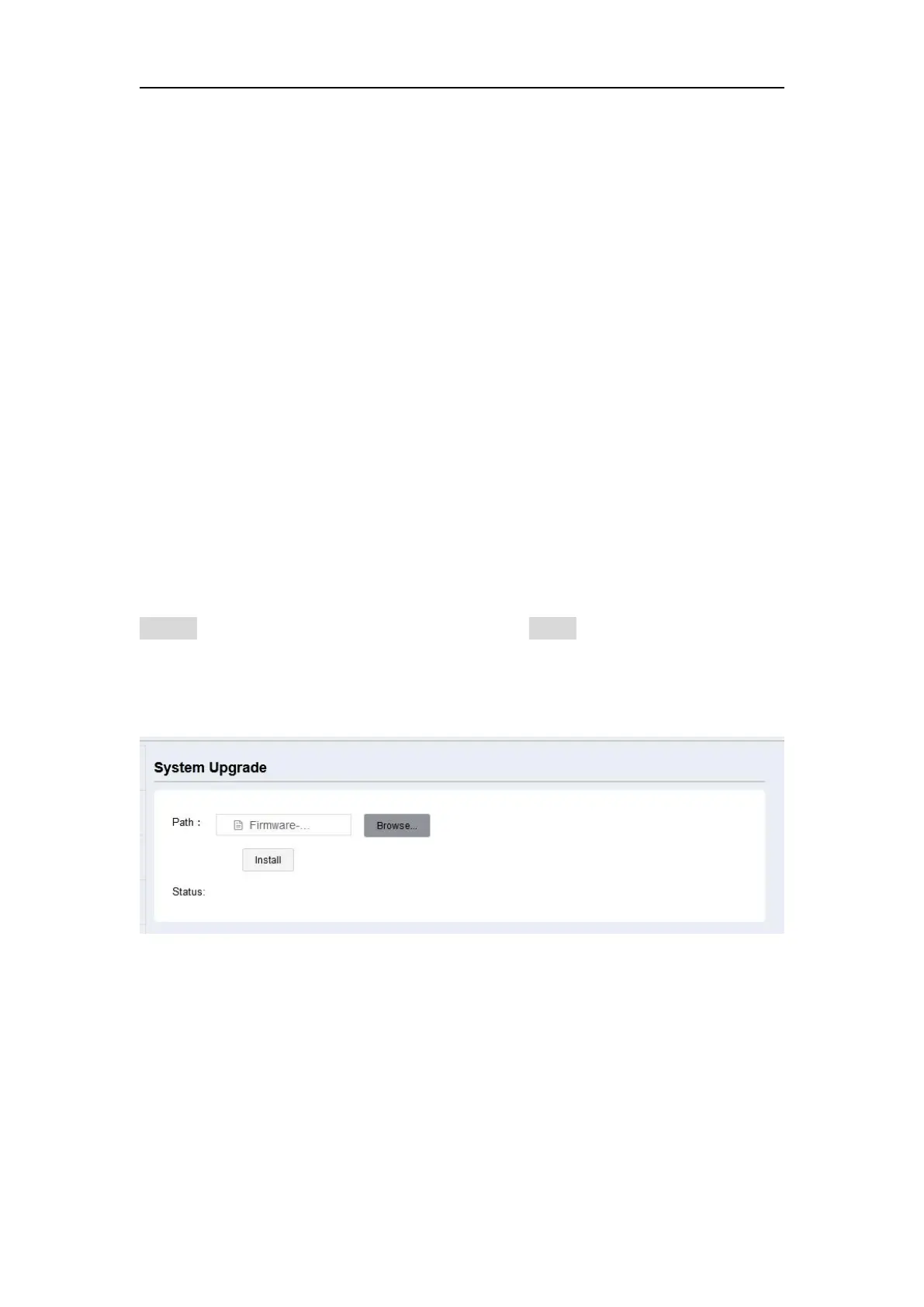
Select system, board or front panel upgrade according to your demand, then click
Browse to select the latest firmware version. Click Install, a progress bar shows 0 to
100% and status will be “Not allowed to do other operations during the upgrade”.
When completing firmware update, the receiver will restart automatically.
5. Programmatic interface
This section describes a method of controlling M900 receiver through programmatic
commands. It provides a more machine friendly method for users to check and


 To Next Page