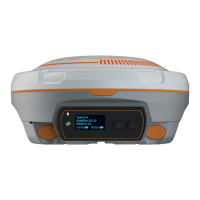
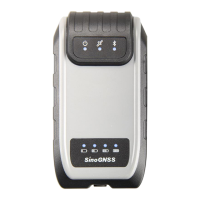
M900 GNSS Receiver User Guide
CONTENTS
1. Introduction .................................................................................................................................... 4
1.1 Safety information ..........................................................................................................4
1.2 Warning and cautions ...........................................................................................................4
1.3 Use and care ......................................................................................................................... 4
1.4 Technical assistance ..............................................................................................................5
1.5 Your comments .....................................................................................................................5
2. Overview .........................................................................................................................................6
2.1 Receiver features .................................................................................................................. 6
2.2 Technical specifications ........................................................................................................ 7
2.3 M900 basic kit .......................................................................................................................8
3. Installing the receiver ................................................................................................................... 10
3.1 Front panel ..........................................................................................................................10
3.2 Guidelines ........................................................................................................................... 11
3.2.1 Environmental requirements .................................................................................. 11
3.2.2 Power Supply ...........................................................................................................11
3.2.3 Mounting the antenna ............................................................................................ 12
3.2.4 M900 connection view ............................................................................................13
4. Receiver configuration through a web browser ...........................................................................13
4.1 Login the configuration page of M900 ...............................................................................14
4.1.1 Login the webpage by WIFI .....................................................................................14
4.1.2 Login the webpage by LAN ......................................................................................14
4.2 Checking the receiver status .............................................................................................. 17
4.3 Receiver configuration ........................................................................................................18
4.3.1 Satellite tracking ...................................................................................................... 18
4.3.2 Work mode ..............................................................................................................18
4.3.3 Antenna setup ......................................................................................................... 19
4.3.4 4G network .............................................................................................................. 19
4.3.5 WIFI and bluetooth ..................................................................................................20
4.3.6 Ethernet config ........................................................................................................ 20
4.3.7 Inertial navigation....................................................................................................21
4.3.8 DDNS ........................................................................................................................21
4.3.9 Natapp and ngrok ....................................................................................................22
4.3.10 User management .................................................................................................23
4.4 Receiver management ........................................................................................................23
4.4.1 Data transfer............................................................................................................23
4.4.1.1 Serial Port config .................................................................................................. 24


 To Next Page