Getting Started 1–1
1
Setting Up the Notebook
Setting Up the Hardware
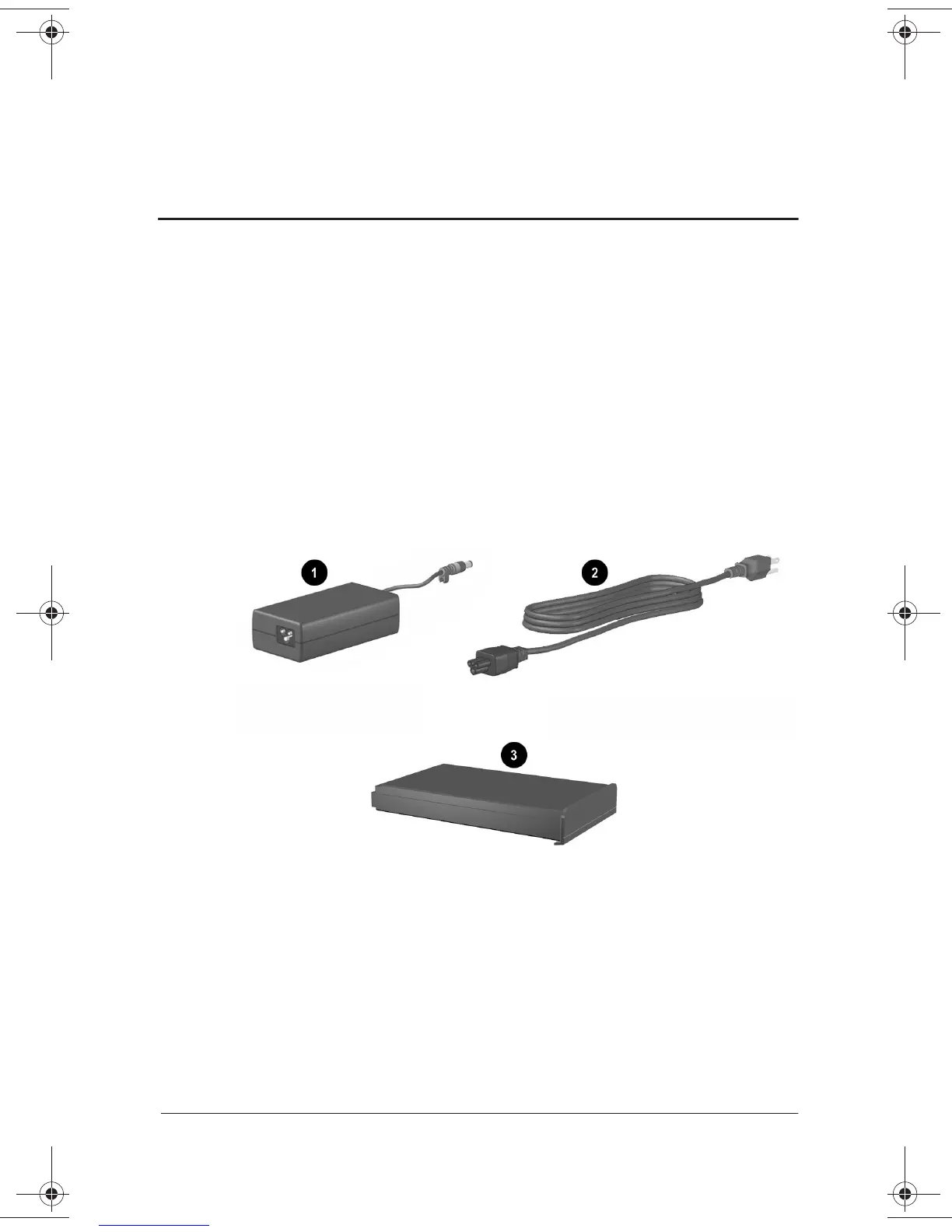
To set up the notebook for the first time, you will need the
notebook, the AC Adapter
1
, the power cord
2
, and the battery
pack
3
. During the hardware setup, you will: install the
battery pack, connect the computer to external power, open the
display, and turn on the notebook.
Identifying the AC Adapter, the power cord, and the battery
pack (AC Adapters and power cords vary by region.)
271247-001.book Page 1 Wednesday, April 17, 2002 2:55 PM




 To Next Page