4–18 Getting Started
Identifying External Hardware
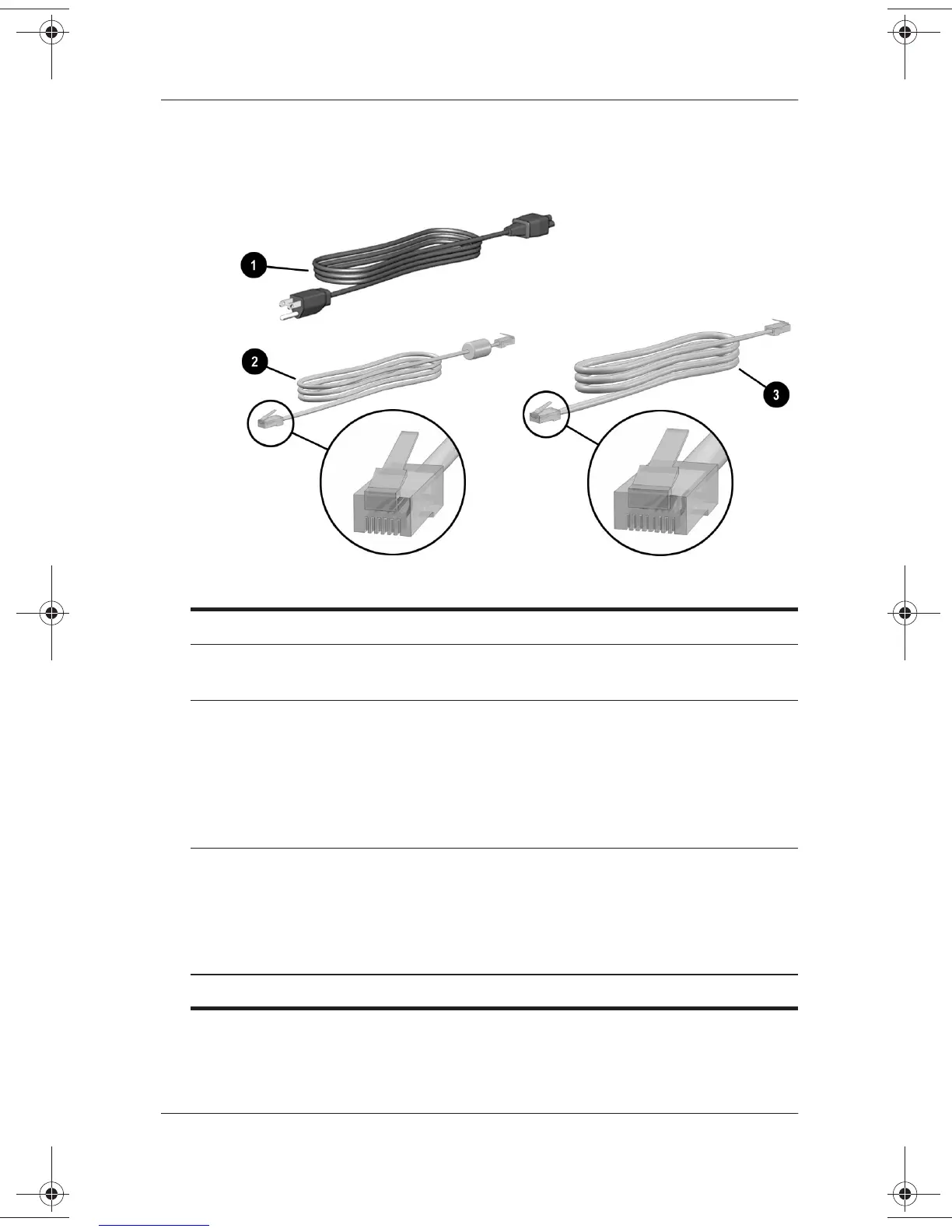
Cord and Cables
Additional Standard Components: Cord and Cables
1
Power cord* Connects the AC Adapter to an
AC electrical outlet.
2
Modem cable Connects the modem to an
RJ-11 telephone jack or to a
country-specific modem adapter.
✎
The modem cable has a
6-pin
, RJ-11 telephone
connector at each end.
3
Network cable (select
models only)
Connects the notebook to an
Ethernet network jack.
✎
The network cable has an
8-pin
, RJ-45 network
connector at each end.
*Power cords vary in appearance by region.
271247-001.book Page 18 Wednesday, April 17, 2002 2:55 PM




 To Next Page