1–2 Getting Started
Setting Up the Notebook
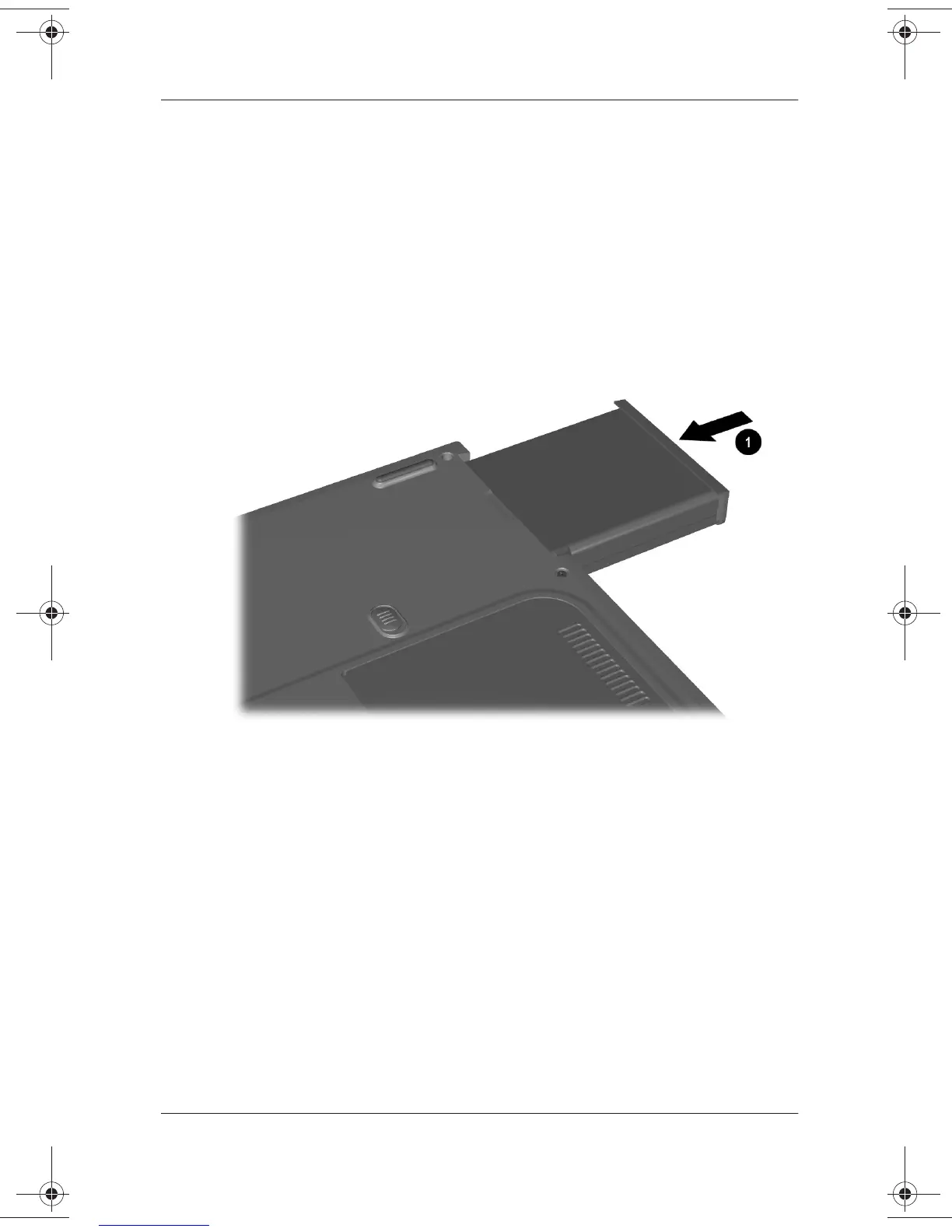
Installing the Battery Pack
To install the battery pack:
1. Place the notebook upside down on a flat surface, preferably
on top of a clean cloth.
2. Slide the battery pack
1
into the battery compartment until it
clicks into place. The battery will install only one way.
Installing the battery pack
271247-001.book Page 2 Wednesday, April 17, 2002 2:55 PM




 To Next Page