Identifying External Hardware
Getting Started 4–7
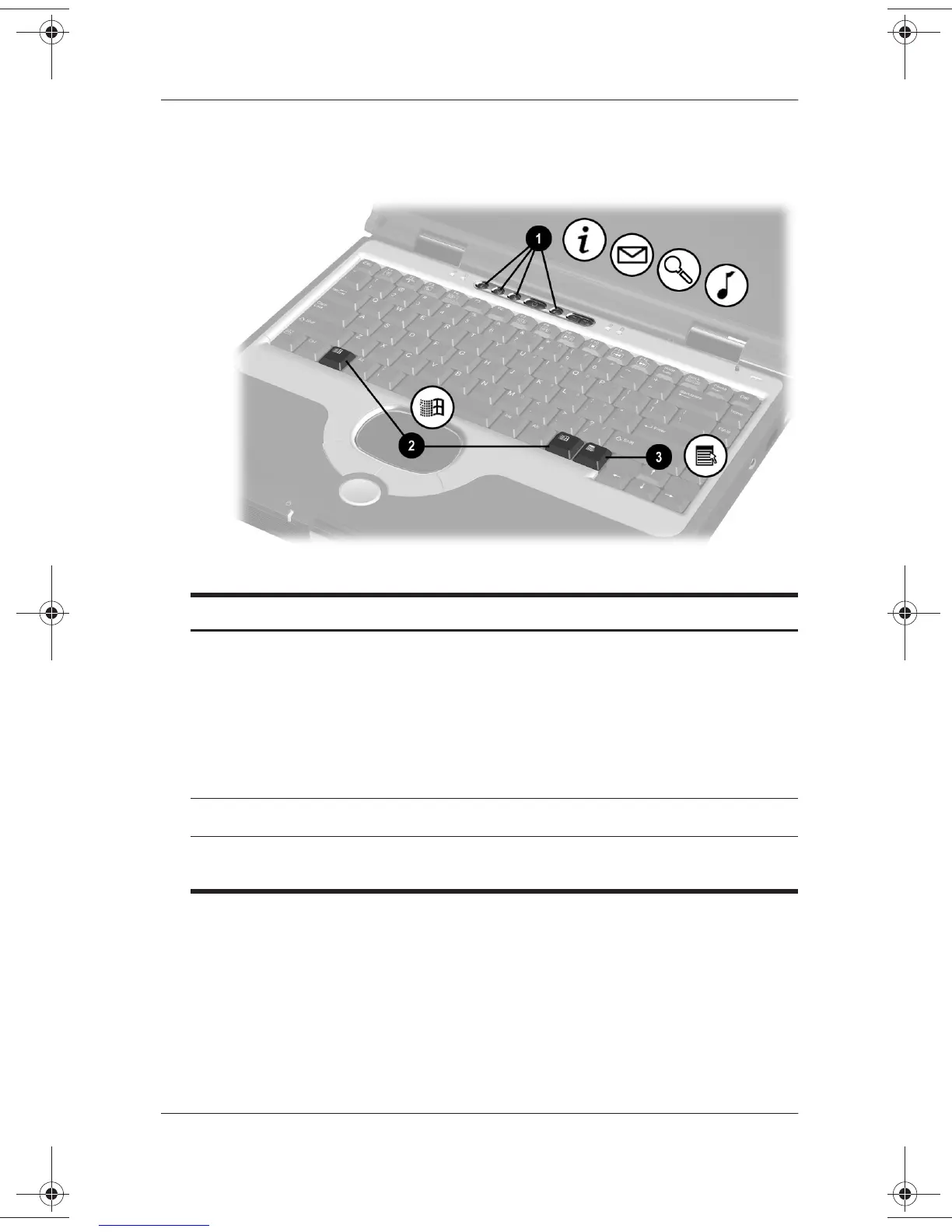
Easy Access Buttons and Keyboard Keys
Top Components: Easy Access Buttons and Keyboard Keys
1
Easy Access Buttons (4) Provide quick access to Internet or
network destinations, or to software
applications or data files on a drive.
The icon on each button represents
the default destination. Buttons can
be programmed to different
destinations.
2
Microsoft logo keys (2) Display Windows Start menu.
3
Applications key Displays shortcut menu for item
beneath the pointer.
271247-001.book Page 7 Wednesday, April 17, 2002 2:55 PM




 To Next Page