Setting Up the Notebook
Getting Started 1–5
Turning On the Notebook
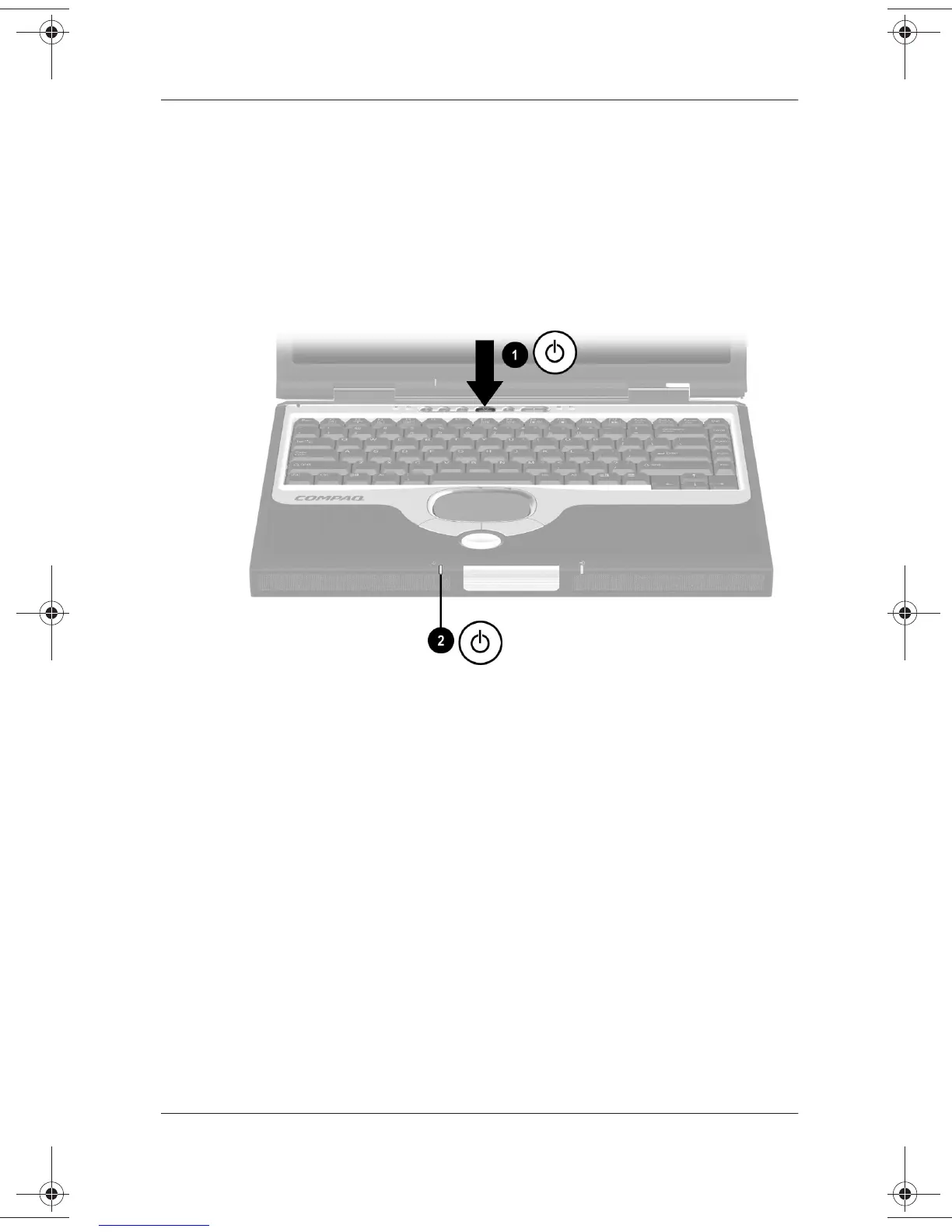
To turn on the notebook, briefly press the power button
1
. When
the notebook is on, the power/standby light
2
turns on, and you
are prompted to begin software setup.
If the notebook does not turn on, refer in this guide to Chapter 3.
Turning on the notebook
271247-001.book Page 5 Wednesday, April 17, 2002 2:55 PM




 To Next Page