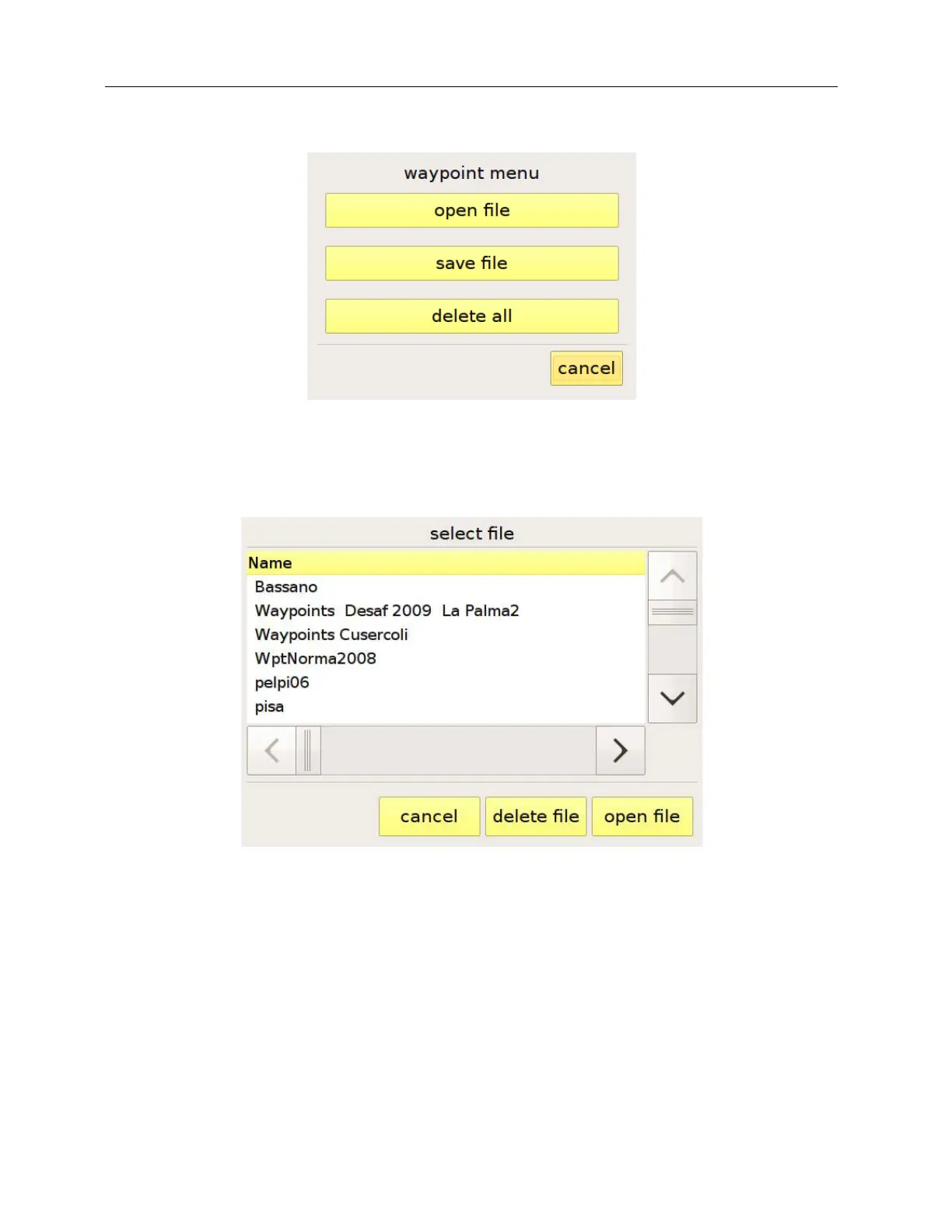
Figure 13: waypoint menu
Figure 14: loading a waypoint file
In the top part of the waypoint page, the “mark position” button allows you to create a waypoint
corresponding to your current GPS position.
You can navigate to a waypoint in the list by selecting it and pressing “goto”. To stop an active goto,
you have to enter the task management page and press the multifunction button “stop goto”. We
shall say more about this button later, when we describe the task-setup page, at page 29.



 To Next Page