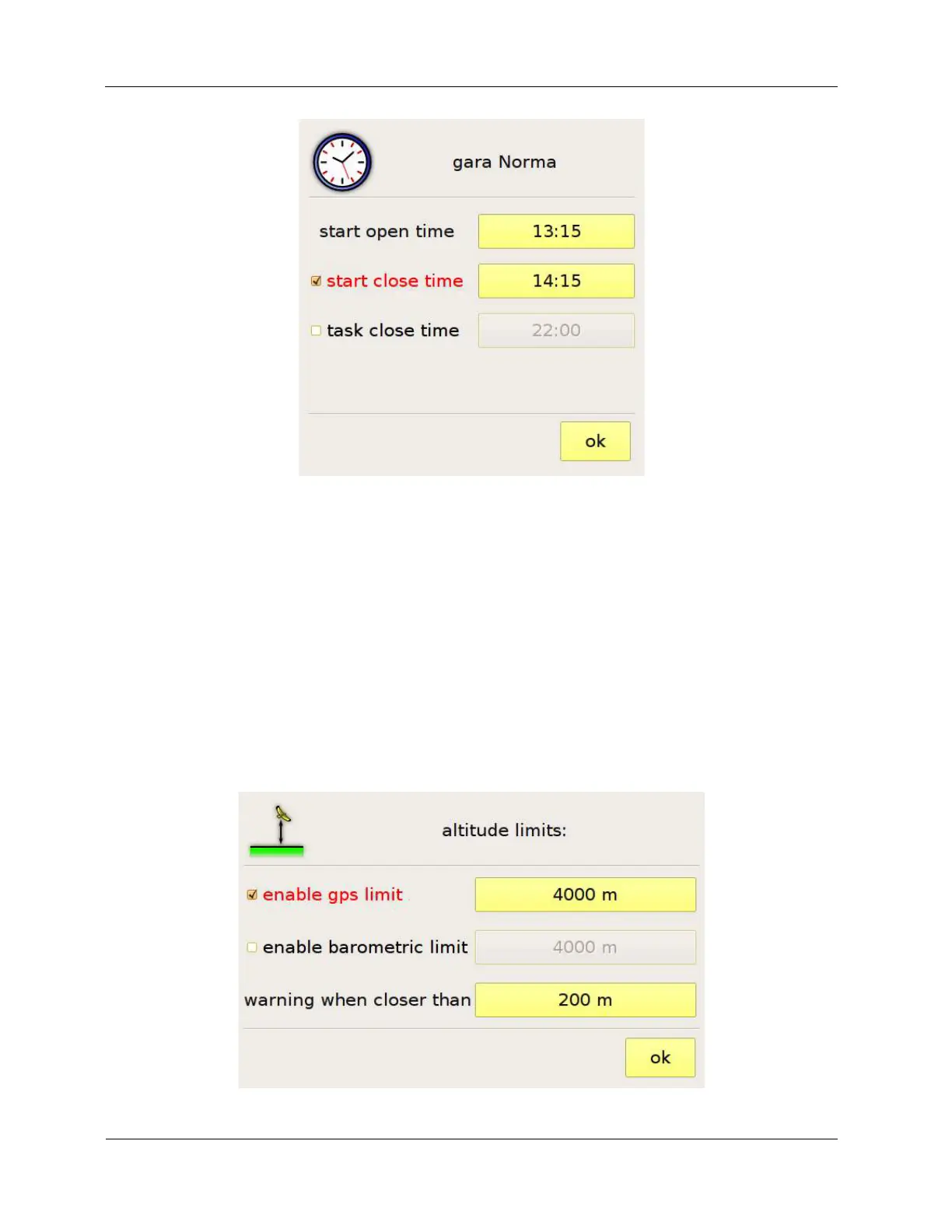
Figure 16: entering the task times
The data shown in the waypoint list can be modified by touching the name of the columns of the list.
For example, touching “Name”, toggles between the short name and the description of the waypoint.
Touching “Distance” or “Partial” toggles between non-optimised distances – calculated centre-to-
centre – and optimized distances.
If the competition has been assigned a maximum altitude, you can enter it by pressing the “altitude
limits” button and entering the data in the page shown in Figure 17. When approaching the altitude
limit that you entered, C-Pilot PRO will warn you with a visual (the altitude data in the navigation
page flashes) and an acoustic alarm.
Figure 17: task altitude limits



 To Next Page