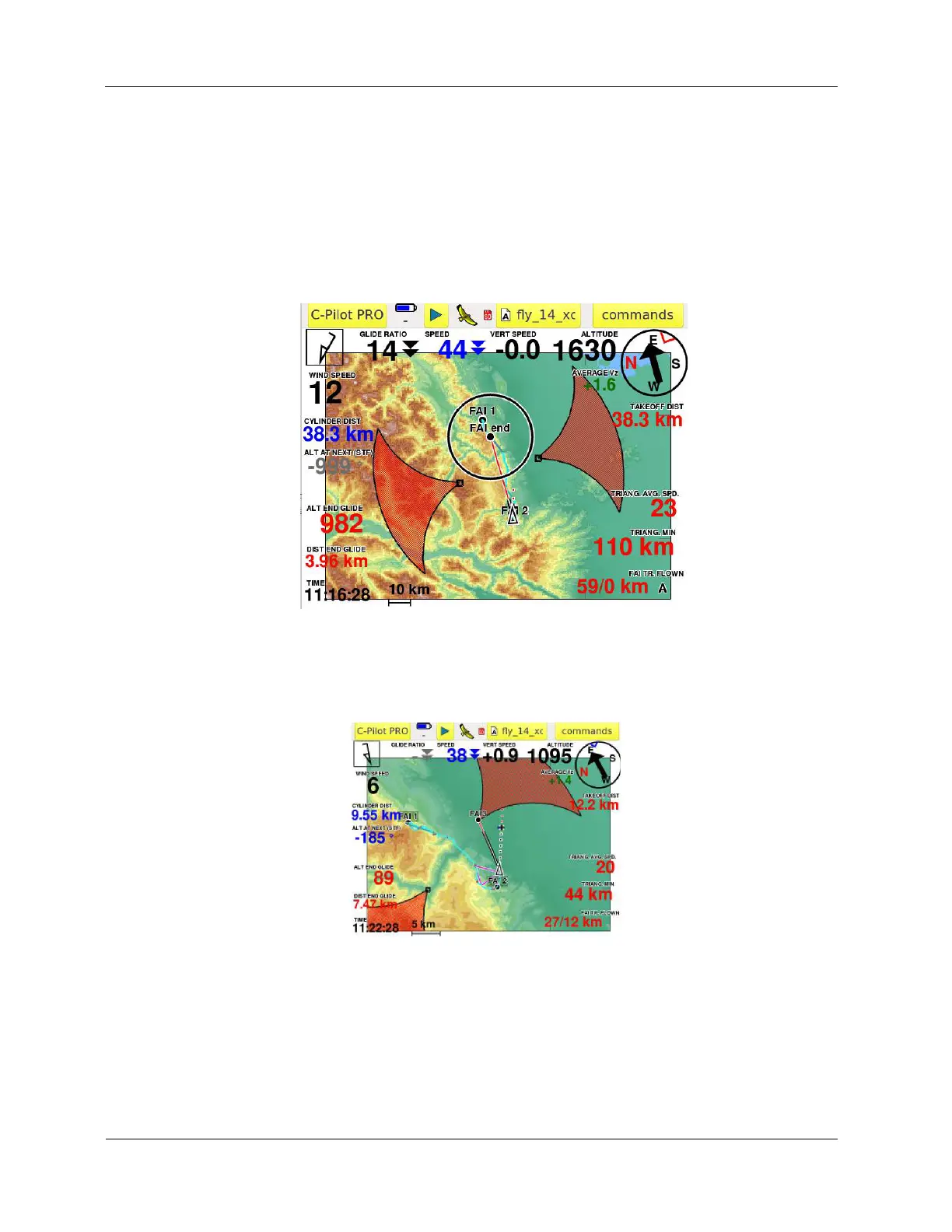
b) enter in the COMMANDS menu and press CLOSE TRIANGLE. In this case the instrument
will close a FLAT TRIANGLE. It will stop the navigation to the sector and will navigate the
pilot to the closing sector of the FLAT triangle ignoring the Yassen/Fai triangle. This is a very
frequent case: the pilot is not willing to close a Yassen/FAI triangle: his task is to go back to
the best point to close a flat triangle or to close a flight “go and come back” or similar (that is
considered in any case as Flat triangle by the XContest rules). Note that this command
(choice) is not reversible.
Note that, in any case, the instrument will draw, in violet, the best FAI triangle possibile considering
the track points.
Note that, even if the x-CAssistant is running, you can navigate - as usual - by the “GOTO” to
any waypoint. C-Pilot EVO, in this case, considers as a “priority” the navigation to a single
waypoint and, as consequence, the auto-zoom of the map is calibrated to the navigation to
the waypoint and not to the triangle (all triangle data fields and graphics iof the xC-Assistant
remain active and running). As soon as you want to navigate again with the x-CAssistant
(triangle navigation), you may enter in the COMMANDS menu and press AUTO GOTO: the
instrument will navigate the triangle and the auto-zoom is calibrated to the entire triangle
scenery, leaving the navigation by the GOTO. This option is reversible.



 To Next Page