Preparing to Take Pictures
— 7 —
Low Battery Indicator
The low battery indicator
appears on the LCD monitor when the batteries near
depletion. Change the batteries when the low battery indicator appears.
NOTES:
• Do not use manganese batteries. Manganese batteries
cannot supply sufficient power to support camera opera-
tion.
• Replace all batteries at the same time. Never mix old and
new batteries.
• Remove batteries from the camera if you do not plan on
using it for more than two weeks.
• The camera body will feel warm after extended use. This
is normal.
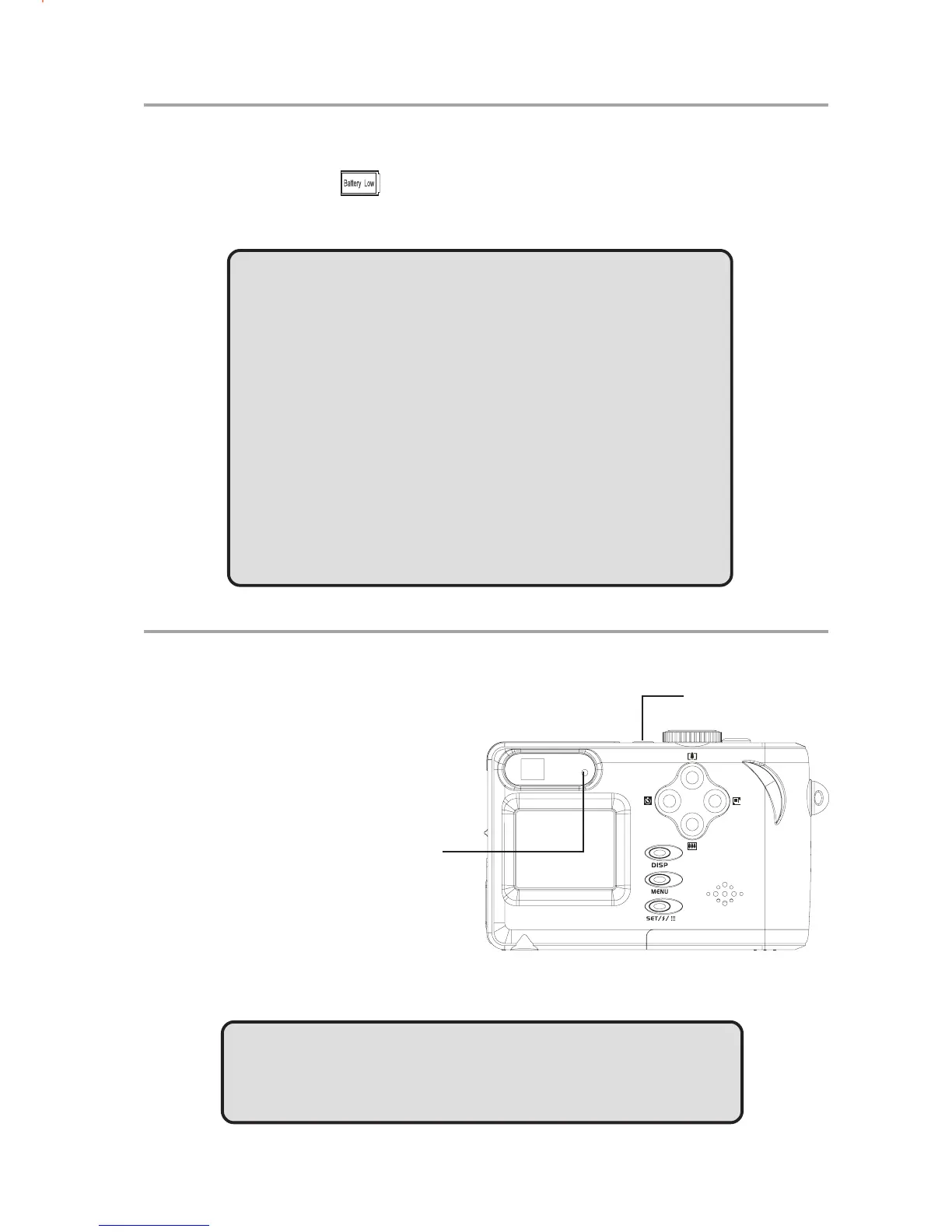
Turning the Power On
Press and hold the POWER
button until the LED indicator
begins flashing green. It takes
about 3 seconds to power on
the camera.
NOTE:
Set the date and time after turning on the camera for the first
time.
Power button
Power LED
indicator



 To Next Page