— 30 —
6 Making Connections
Viewing Images on a TV
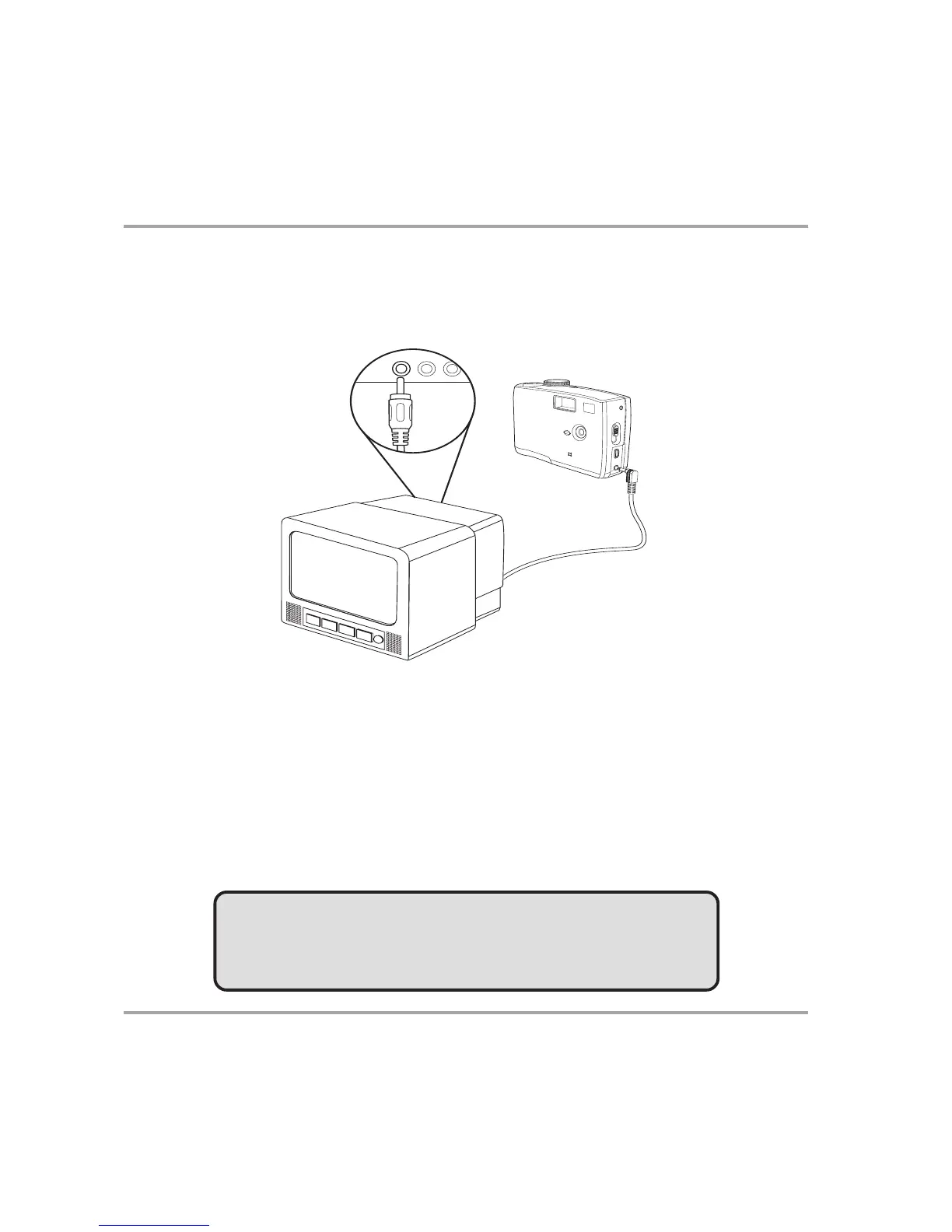
Images displayed on the camera’s monitor screen can also be displayed on a television
screen.
1 Use the included audio/video cable to connect the camera to the TV set as
illustrated above.
2 Set the TV input signal to Video In. Refer to the documentation included with
your TV for more information.
3 Everything that would normally appear on the camera’s LCD screen, such as
photo and video clip playback and image or video capture, appears on the
TV.
NOTE:
The camera LCD screen turns off automatically during video
output.
Selecting the Video Output Signal Mode
The digital camera supports both NTSC (used in U.S.A., Japan, and other countries)
and PAL (used in Europe and other areas) video signal systems. See page 10 for infor-
mation on setting the camera’s video system to match your region.
U
SB
TV O
U
T



 To Next Page