— 37 —
Installing Software
7 Installing Software
Installing the Software Driver
The camera can be used as a mass storage device and can be connected to a TV to
view pictures. The software driver must be installed under all operating systems to
enable the camera as a mass storage device (USB) in WIN 98/98 SE and to enable
the video driver for all operating systems.
NOTE:
If you don’t install the driver, you can only use the camera as
a mass storage device under Windows XP/ME/2000 and the
video function will not work.
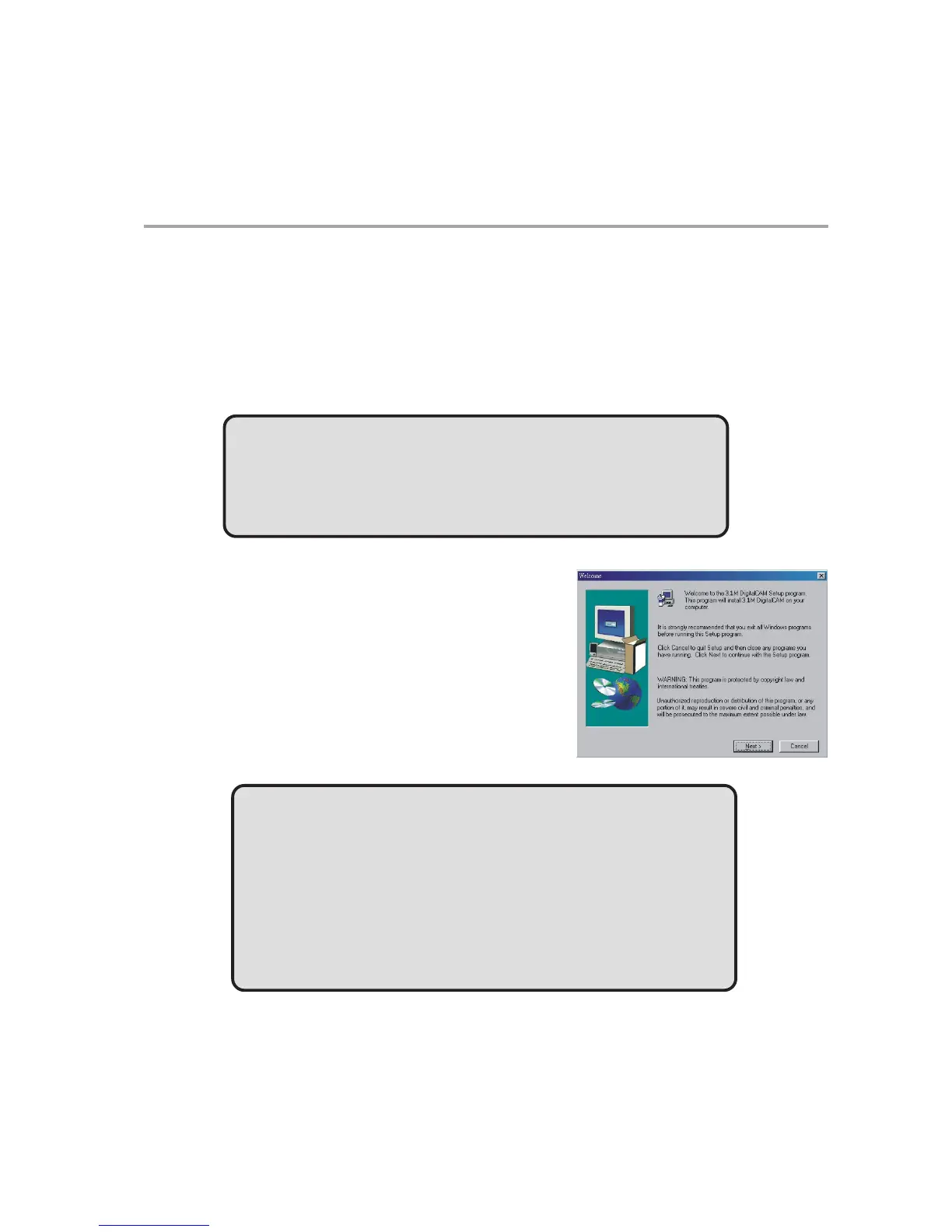
To install the drivers:
1 Insert the included software installation
CD-ROM in your computer’s CD-ROM
drive.
2 The installation program starts automati-
cally.
3 Follow the on-screen instructions to install
the drivers.
NOTES:
• If the installation program does not start automatically,
Double click on My Computer on the Desktop or in the
Start Menu, and locate the CD-ROM Drive, then double
click on the CD-ROM Drive icon for installation.
• Restart your computer after installing the drivers.



 To Next Page