Making Connections
— 32 —
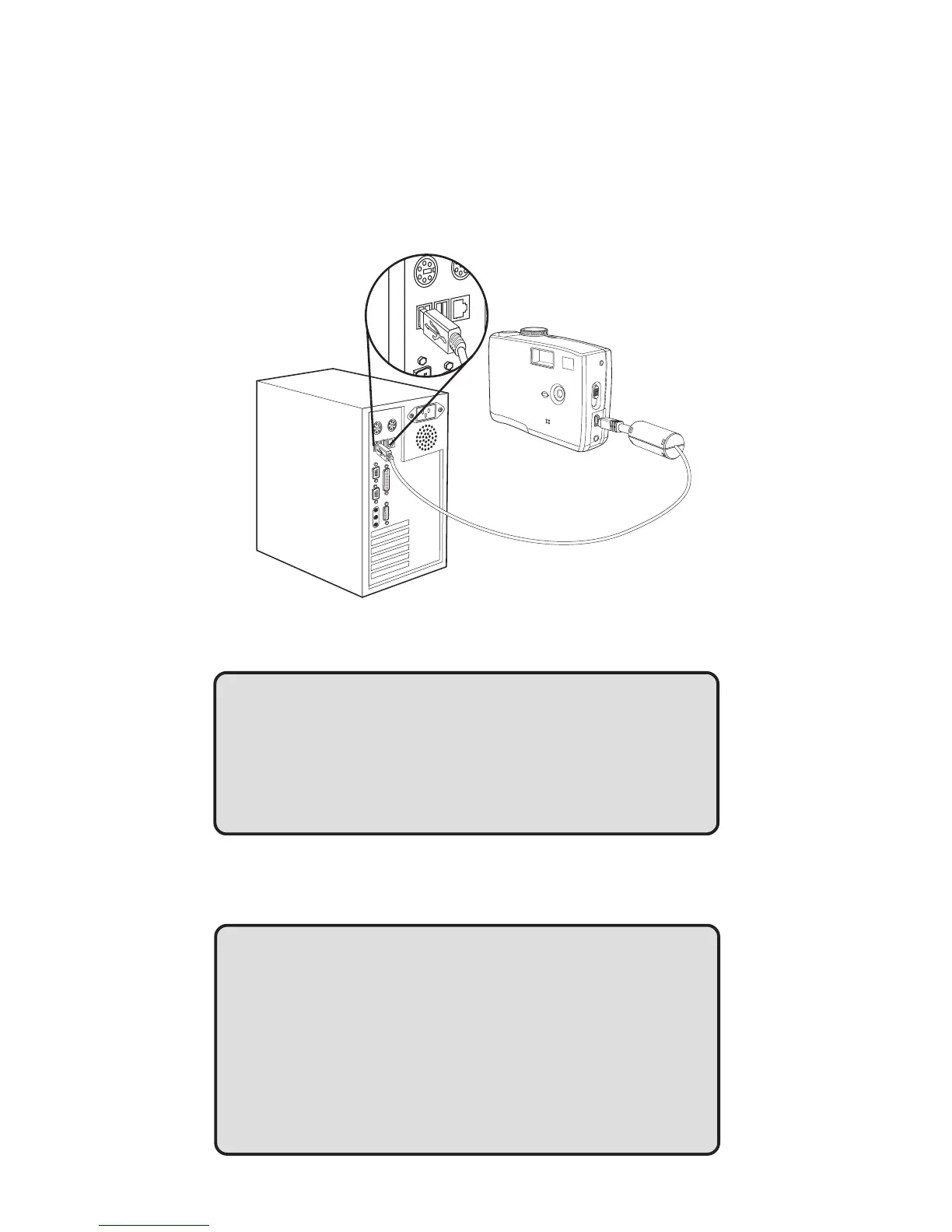
Connecting the Camera to a Computer with a USB Cable
Note: Do not conncet the camera to the computer befor the camera driver installa-
tion is completed.
1 Install the USB software driver included with the bundled CD-ROM.
2 Turn the Mode Dial to any modes except the PC Cam Mode.
3 Connect the supplied USB cable to the computer’s USB port
NOTES:
• You don’t have to turn off the computer or camera when
making this connection.
• Refer to your computer’s manual for information regarding
the USB port location.
4 Turn on the camera.
5 The camera will automactically turn on. Mass Storage is displayed on the
LCD.
NOTES:
• The camera will turn off automatically if the USB cable is
disconnected.
• Windows 98/98SE: If this is the first time the camera has
been connected to the computer, Windows detects the
camera as an “Unknown device” and automatically com-
pletes the required software installation.
T
V
O
U
T



 To Next Page