File Names & Printing
— 29 —
File Names
The camera automatically assigns a file name to each photo and video clip captured.
File names start with “DSCI” and are followed by a four-digit number that increases in
sequence.
File Example:
i. Each folder can hold up to 999 pictures. If a photo is taken when the current
folder contains a file numbered 0999, the DSC creates a new folder and
stores the new image in the new folder.
ii. File numbering starts from 0001 when a new folder is created.
DPOF Print Settings
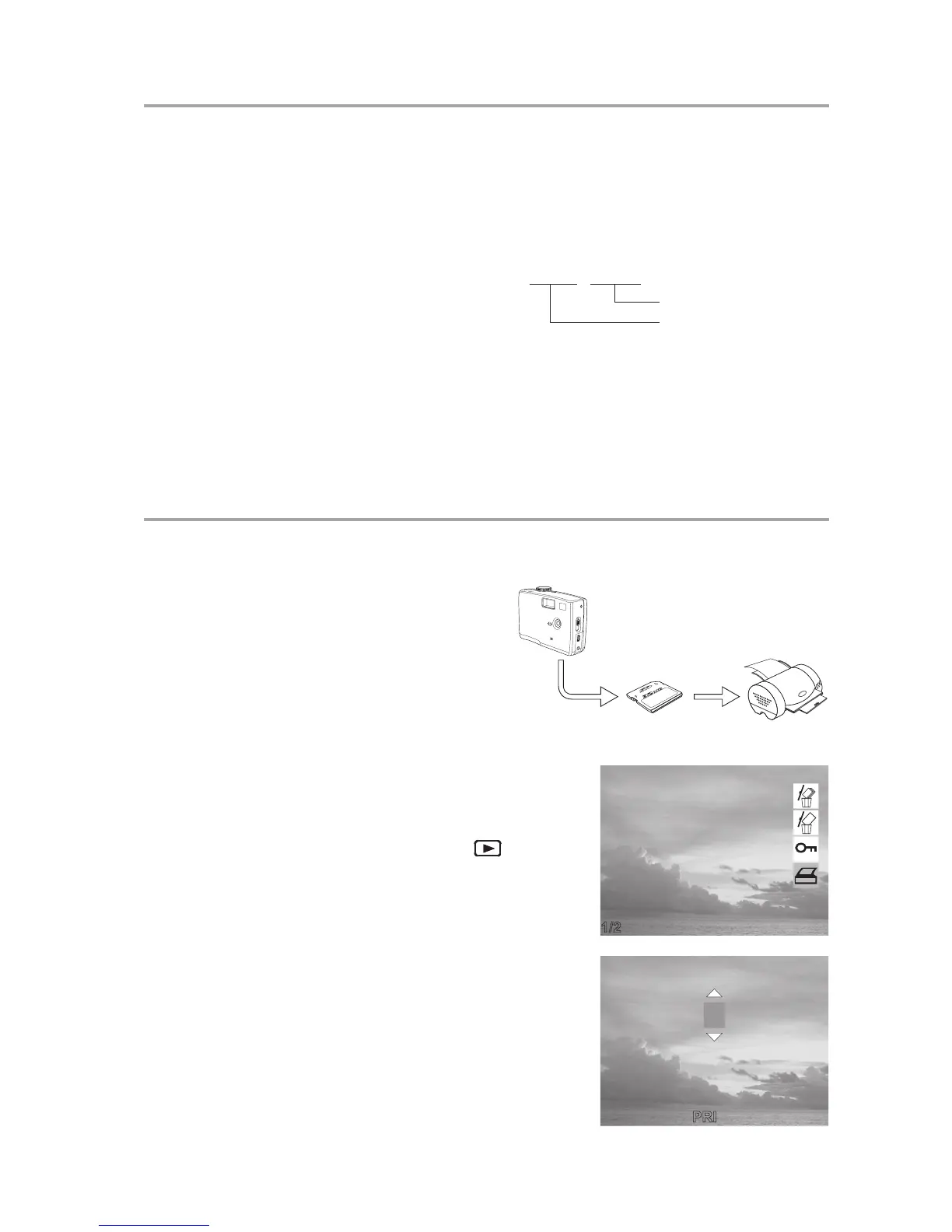
The Digital Print Order Format (DPOF) set-
tings allow you to select photos stored on an
SD card that you want to print. You can also
set the number of copies to print. This func-
tion is convenient when used with a printer or
commercial printing service that supports
DPOF printing.
Print Order Setting
1 Turn the Mode dial to Playback mode.
2 Press the left and right buttons to select the
file you want to print.
3 Press MENU to display the toolbar.
4 Press the down button to select DPOF print-
ing.
5 Press SET to print the file. You are prompted
to select the number of prints.
6 Press the up and down buttons to select the
number of prints and then press SET to print
the images.
DSCI0001.JPG
Serial Number
Extension File Name
1/2



 To Next Page