Getting Started
— 5 —
Side
NOTE:
Don’t swing the camera
when carrying it by the
wrist strap.
Using the Included Accessories
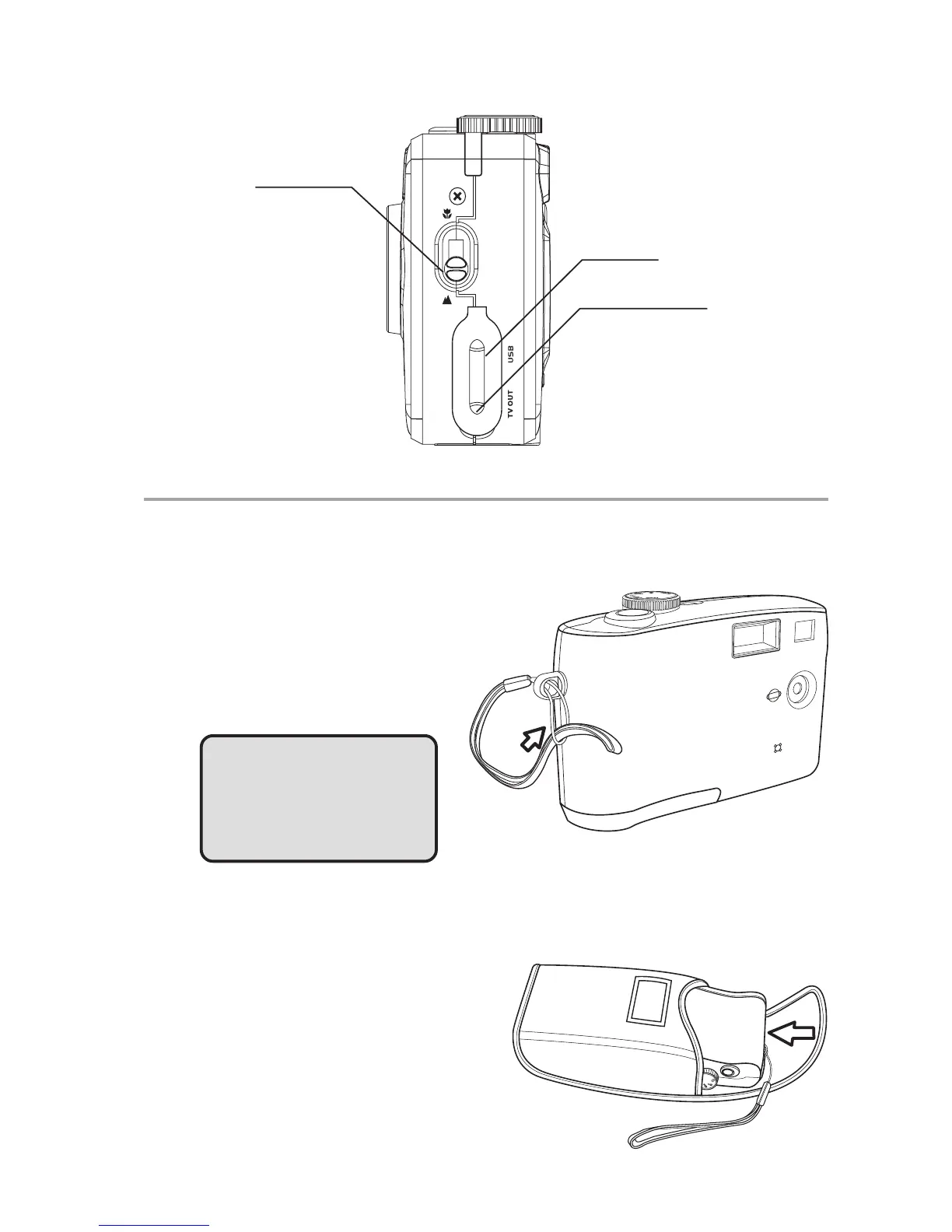
Attaching the Wrist Strap
The illustration shows how to
attach the wrist strap to your
camera.
Using the Soft Case
• Store the camera in the included
soft case when not in use.
• Slide the camera in the case with
the LCD screen facing down as
illustrated.
Macro switch
Video out terminal
USB port



 To Next Page