— 24 —
Reviewing Photos and Video Clips
Viewing Pictures in Thumbnail Mode
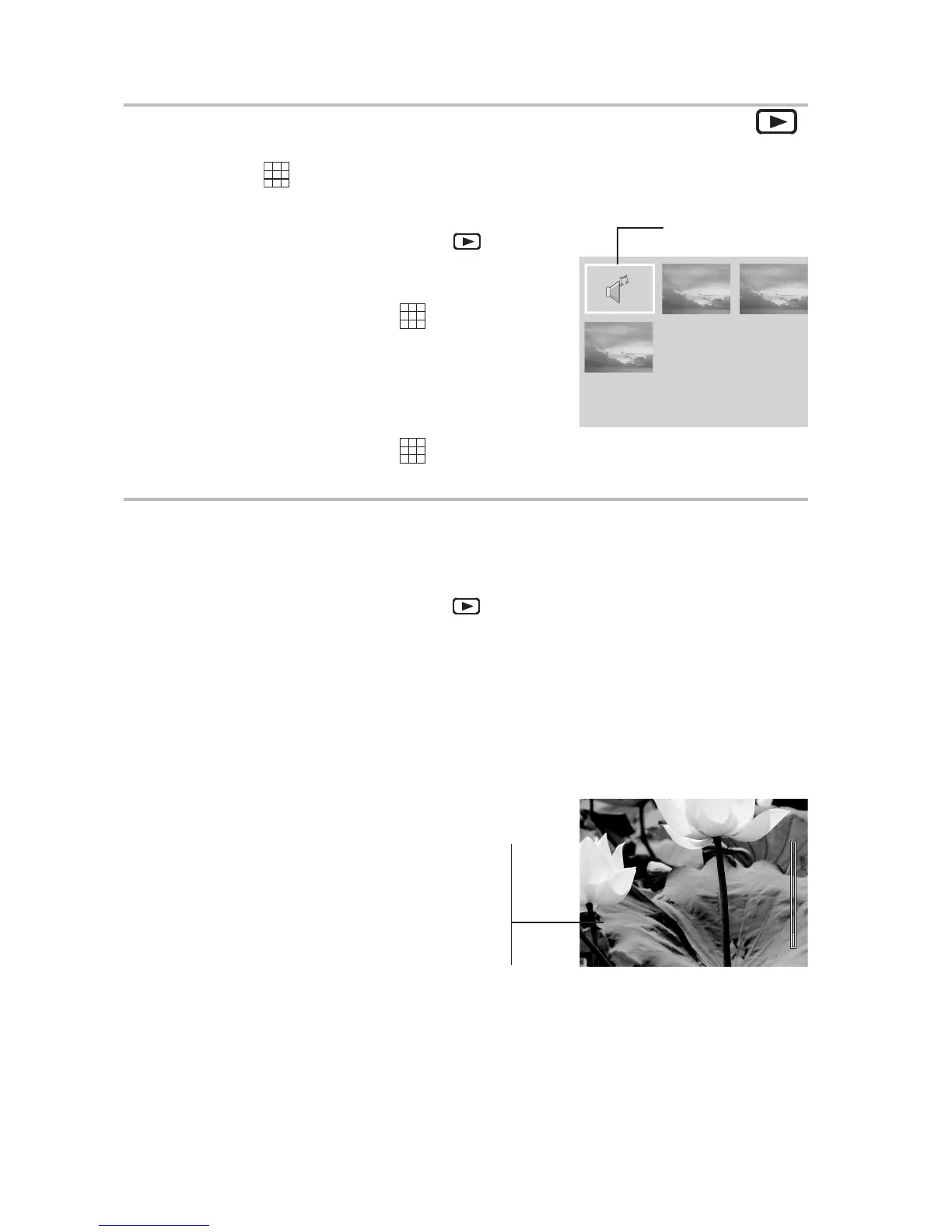
The THUMBNAIL function allows you to view up to nine images at a time on the
LCD screen.
1 Turn the Mode dial to Playback
mode.
The last recorded photo or video clip appears
on the LCD screen.
2 Press the THUMBNAIL ( ) Button to view
thumbnail images.
3 The image that was being viewed is shown in
thumbnail view.
4 Use the left and right buttons to select an
image. Selected images are highlighted.
5 Press the THUMBNAIL ( ) Button to dis-
play the selected image in full screen size.
Zooming the Displayed Image
Magnify a image in Playback mode by zooming in on it from 1.0X to 4.0X.
1 Turn the Mode dial to Playback
mode.
2 Press the up button to magnify the image.
3 Press the down button to zoom out to the original full-sized image.
4 Press the right or left arrows to scroll to another image. The selected zoom
factor remains the same.
x1.4
When an image is zoomed in
Playback mode, a scale indicator
appears on the right side of the
LCD screen. The zoom factor is
also shown.
2



 To Next Page