Taking Pictures
— 20 —
Taking Pictures With Self-Timer
Use the self-timer to set a delay between the time the shutter button is pressed and the
time the image is captured.
1. Turn the Mode Dial to Auto ( ) or Manual ( ) Mode.
2. Press the Self-Timer button ( ), and the Self-Timer icon ( ) will appear
on the LCD.
3. Place the camera on a flat surface or tripod.
4. Use the LCd to compose the picture, and then press the Shutter button to
activate the Self-Timer.
• The Self-Timer Lamp will blink until the image is cap tured.
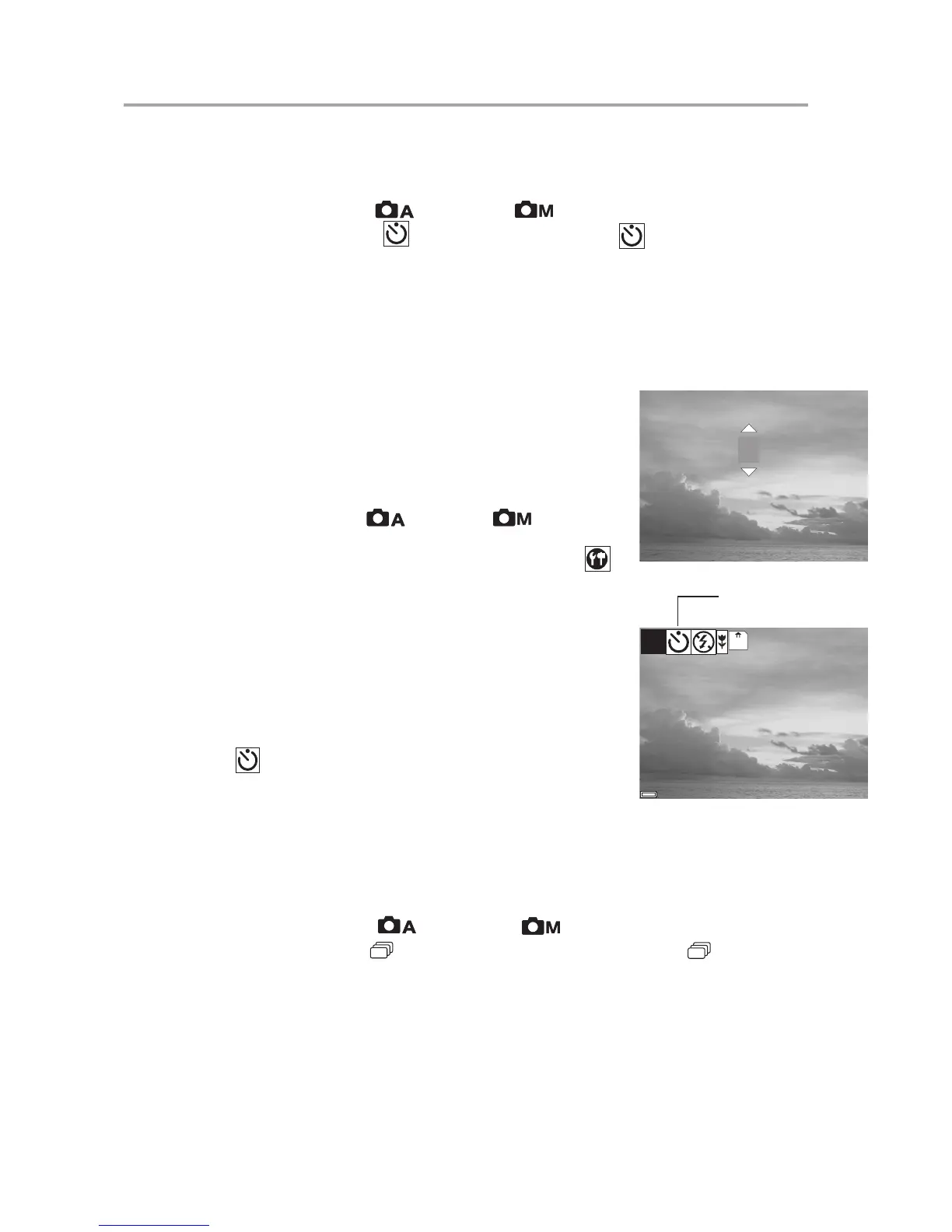
Change the Self-Timer delay
The Self-Timer delay is set to 10 seconds by default. You may
change the Self-Timer delay ranging from 2 seconds to 10
seconds through the following steps.
1 Turn the Mode dial to Auto
or Manual mode.
2 Press MENU.
3 Press the Right or Left button until the SETTING icon ( )
is highlighted.
4 Press the Up or Down button to select the SELF TIMER
item.
5 Press the SET button to enter the SELF TIMER submenu.
6 Press the Up or Down button to select the desired self timer
delay: 2 ~ 10 seconds.
7 Press the SET button save the setting.
8 Press the MENU button to exit the menu.
NOTE: Press
to cancel the self-timer at any time.
Taking Continuous Pictures
This feature enables the camera to capture a continous series of picture while the Shut-
ter button is pressed down.
1. Turn the Mode Dial to Auto ( ) or Manual ( ) Mode.
2. Press the Continous Shot ( ) Button. The Continuous Shot icon ( ) will ap
pear on the LCD.
3. Press the Shutter Button to capture the pictures.
Note:
• The LCD will be blank when the images are taken in the Continuous Shot Mode.
• The camera will take 5 pictures in a row when the Shutter Button is pressed.
• Flash will be deactivated in the Continuous Shot Mode.
SELF TIMER



 To Next Page