— 38 —
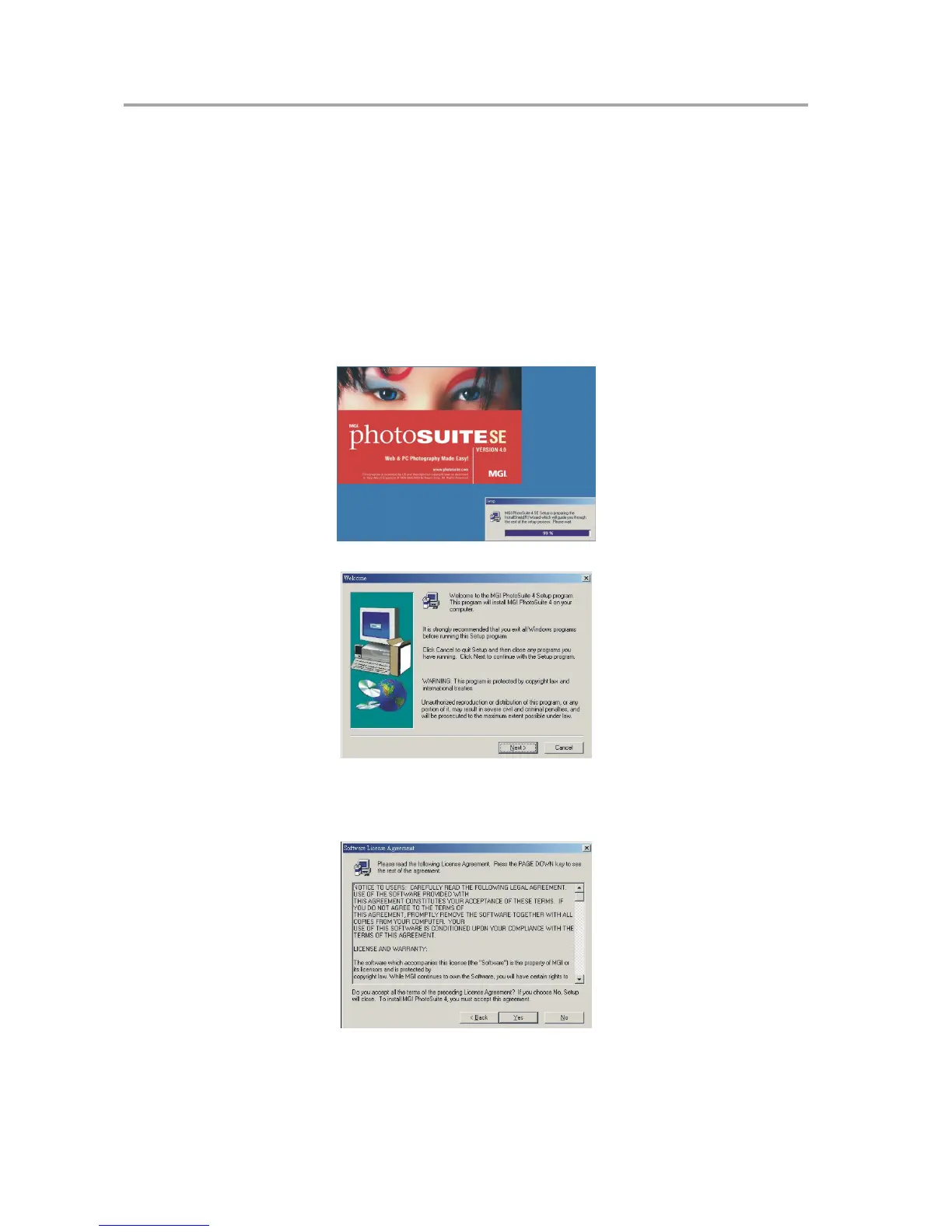
Installing MGI PhotoSuite 4 SE
MGI PhotoSuite 4 SE is a photo editing application that is included for free on the soft-
ware installation CD-ROM. You must use Windows XP/ME/2000/98SE/98 on your com-
puter to use this software.
Follow these steps to install the photo editing application.
1. Insert the software installation CD-ROM in your computer’s CD-ROM drive.
2. The installation program starts automatically.
3. Follow the on-screen instructions to install the software.
4 A welcome window appears. Click Next to continue with the installation.
5 The Software License Agreement window appears. To accept the license,
click Yes to continue. If you disagree with the license, click No to exit the
installation program.
Installing Software



 To Next Page