— 35 —
Installing Software
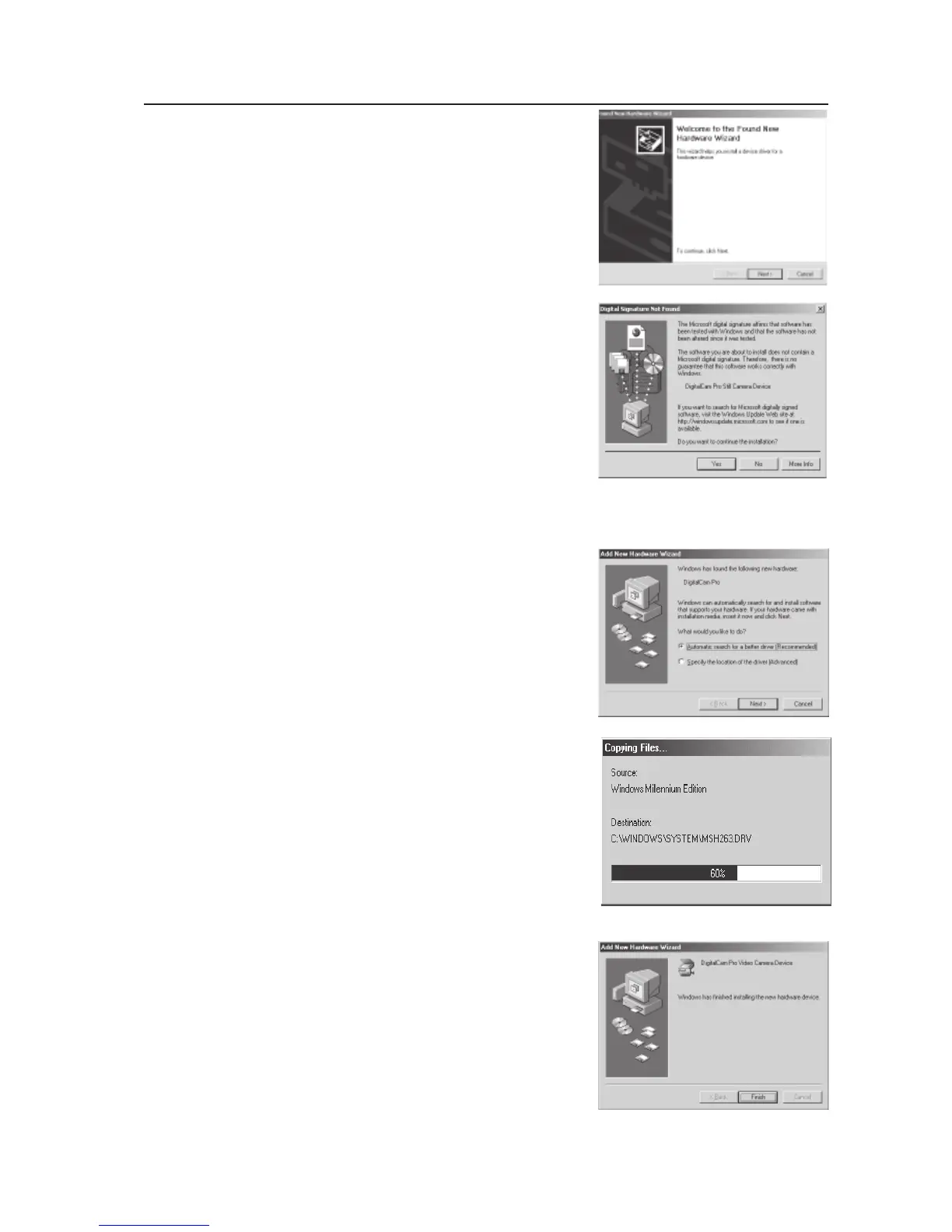
Under Windows 2000
1. The installation message will pop
up. Click “Next”.
2. The warning message of “Digital Signa
ture Not Found” will pop up. Click “Yes”
to continue to complete the installation.
Note: The above installation may occur
twice, just repeat step 1 and step 2 to
complete the whole installation
Under Windows ME
1. The installation message will pop up. Click
“Next”.
2. The installation status bar displays.
Note: The above installation may occur
twice, just repeat step 1 and step 2 to
complete the whole installation.
3. Click “finsish” to complete the
installation.
Note: The above installation may occur
twice, just repeat step 1 and step 3 to
complete the whole installation



 To Next Page