Calibration
[AL rxx
2Er 3Er [u
[u 500 P
[0A bP PAdALL
Press Tone Loudness Adjustment Down Key
Press Cut Minor Mode
Select Key for
Pure or Blend.
Press Monopolar Cut Power Adjustment
Keys to select [u, [0A, bP and PAd.
Set the Calibration System Configuration
Dipswitch on the Controller to the ON position
Turn main power switch on while pressing both Bipolar
Mode Select Keys.
Connect indicated load
with meter to output
Activate when target level displayed.
Press Monopolar Coag Power Adjustment keys to
match power/current to Calibration Target.
Minimum activation 2 seconds, release.
[0A bP[u
Pad 10
Connect 10 ohm load Two-Pin
Dispersive Electrode Receptacle
Press Tone Loudness
Adjustment Down Key
Press Tone Loudness Adjustment Down Key.
Press Tone Loudness Adjustment Down Key
Press Bipolar Power Adjustment Key
Connect 150 ohm load Two-Pin
Dispersive Electrode Receptacle.
Press Up Arrow Key
Press Bipolar Power Adjustment
Key.
PAd 150
End
Set the Calibration System Configuration
Dipswitch on the Controller to the OFF position
Release Bipolar Mode Select Keys when the
Monopolar Cut Power Digital Display indicates “ [AL”
Power off
Do NOT select Pulsed
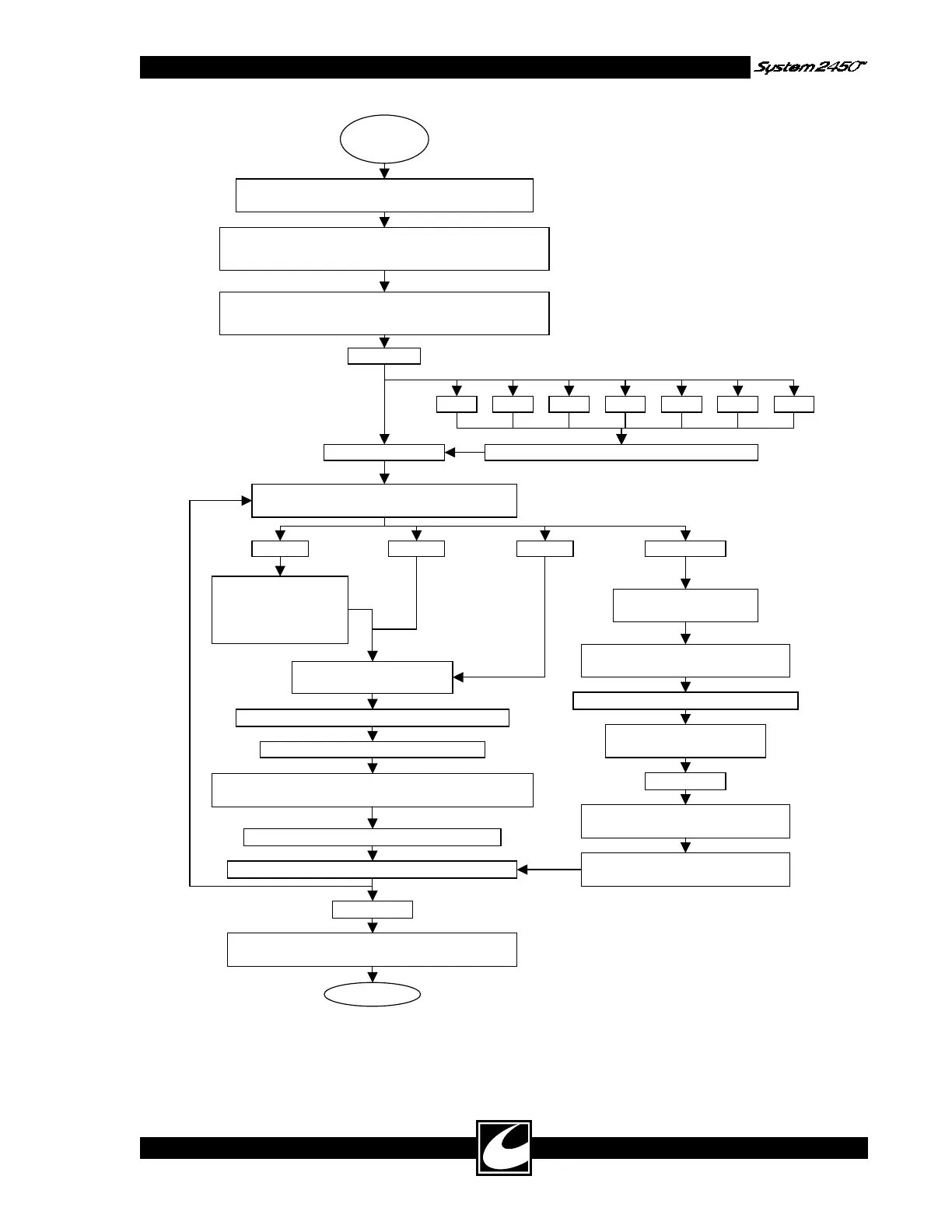
Figure 4.1 Calibration Procedure Flow Chart
4-7



 To Next Page