16 17
GETTING STARTED
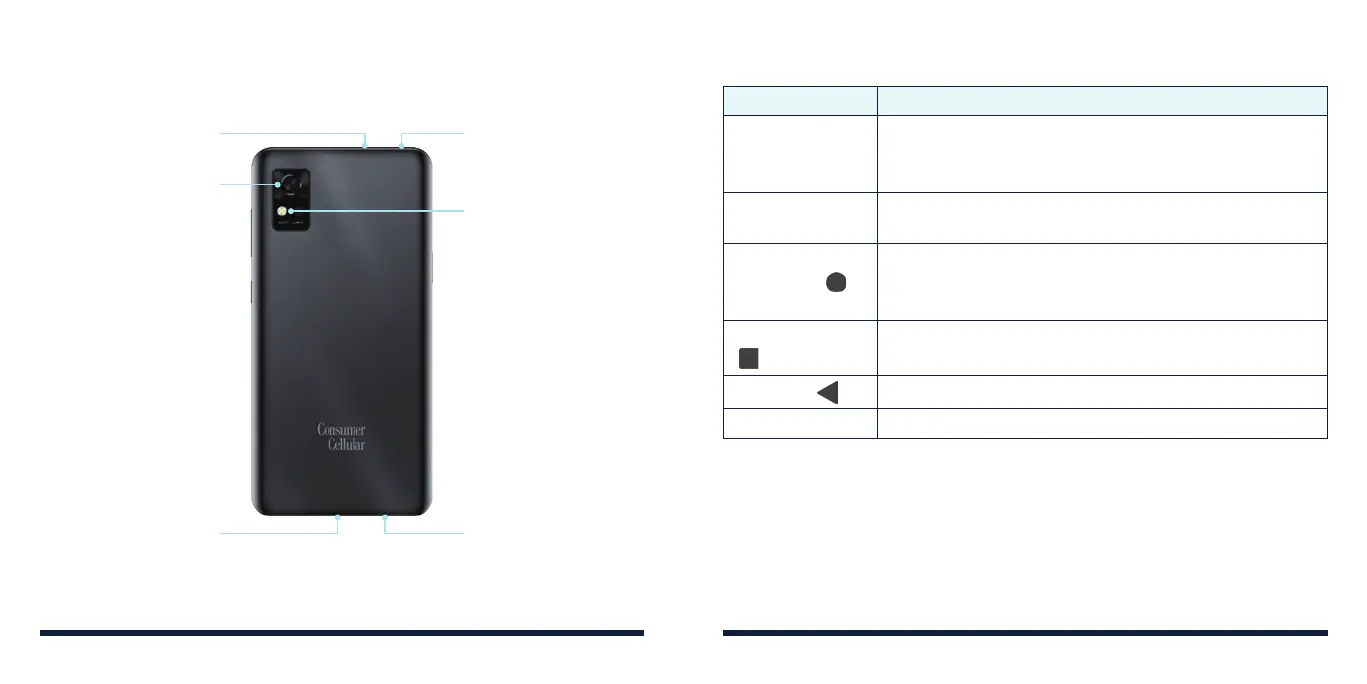
Flash
Back Camera
3.5 mm Headset Jack Microphone
Microphone
Charging/USB
Type-C Jack
KEY FUNCTIONS
Key Function
Power/Lock Key
Press and hold to power on, restart the phone, or
power off.
Press to turn on/off the screen display.
SOS Key
Press and hold or press 3 times continuously to use the
emergency SOS feature.
Home Key (
)
Tap to return to the home screen from any application or
screen.
Press and hold to use the Google Assistant.
Recent Apps Key
(
)
Tap to view recently used apps.
Double-tap to switch to the most-recent app.
Back Key (
) Tap to go to the previous screen.
Volume Key Press or hold to turn the volume up or down.
GETTING STARTED



 To Next Page