8
TOUCH SCREEN AND NAVIGATION KEYS
• Power/Lock Key: Press and hold to power on, restart
the phone, or power o. Press to turn on/o the
screen display.
• Home Key: Tap to return to the home screen from
any application or screen. Press and hold to use the
Google Assistant.
• Recent Apps Key: Tap to view recently used
apps. Double-tap to switch to the most-recent app.
• Back Key: Tap to go to the previous screen.
• Volume Key: Press to turn the volume up or down.
NOTE: Tap
at the bottom left of the screen to hide
the navigation keys; swipe up from the bottom to restore
the keys.
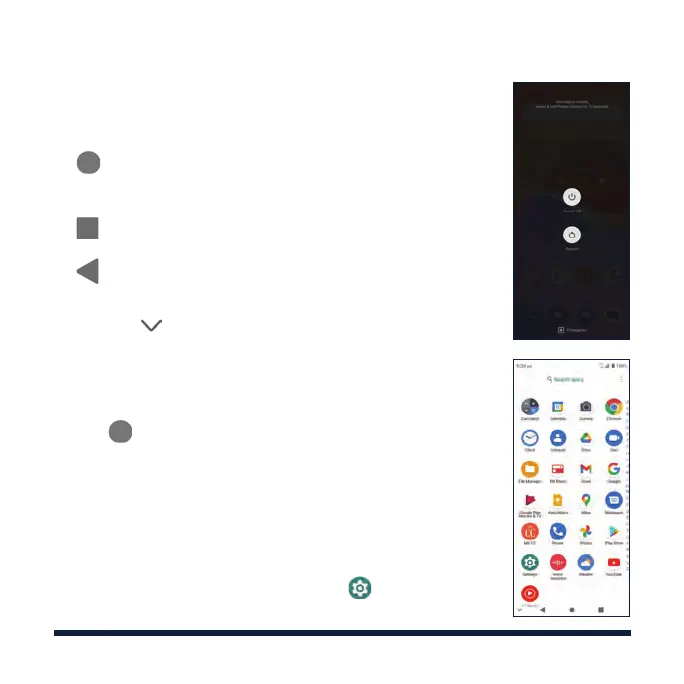
OPENING APPLICATIONS
1. Tap if the current screen is not the home screen.
2. Swipe up on the screen.
3. Swipe up or down on the screen and tap an app to
open it.
PERSONALIZING
You can change the system navigation style.
Swipe up on the home screen and tap
> Features >
System navigation and select an option.



 To Next Page