10
CALLING AND VOICEMAIL
MAKING A CALL
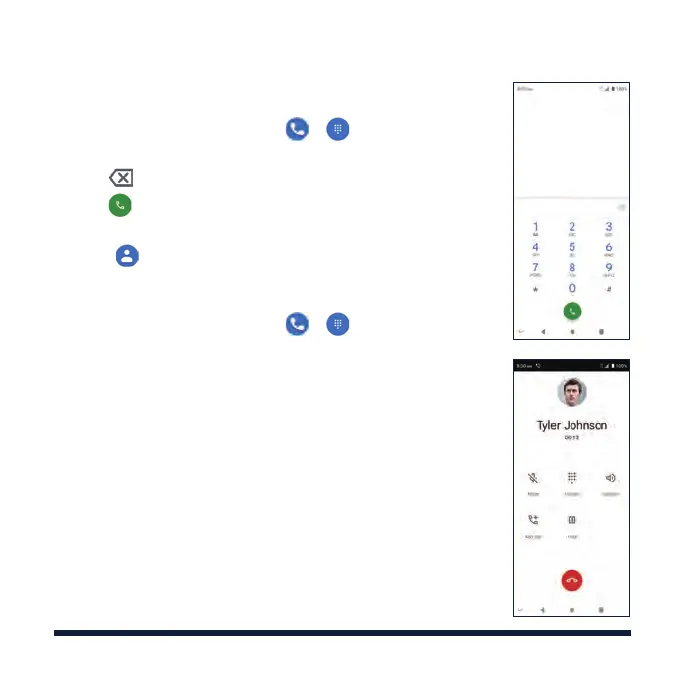
1. From the home screen, tap > .
2. Enter the phone number with the on-screen keypad.
Tap to delete incorrect digits.
3. Tap to place the call.
NOTE: To call a contact, swipe up on the home screen
and tap
, tap a contact, and then tap the number.
CHECKING VOICEMAIL
1. From the home screen, tap > .
2. Press and hold the 1 Key. If prompted, enter your
voicemail password.
3. Follow the voice prompts to listen to and manage
your voicemail messages.
NOTE: For detailed information, please contact
Customer Service.



 To Next Page