12
TEXT MESSAGING
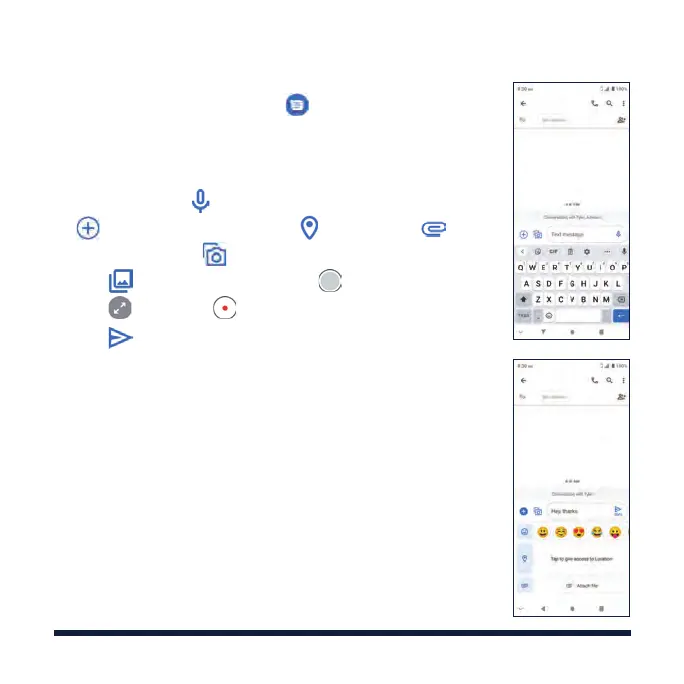
1. From the home screen, tap > Start chat .
2.
Enter the recipient number and tap Send to or directly
tap a contact in the list.
3. Enter the message text. If you want to send an MMS,
press and hold to record a voice message, or tap
to share your location (tap ) or a file (tap ).
You can also tap
to attach Gallery photos/videos
(tap ) or capture a photo (tap ) or a video clip
(tap
> Video >
).
4. Tap to send the message.
Please don’t text and drive.



 To Next Page