11
ADDRESS BOOK
CREATING A NEW CONTACT
1. Swipe up on the home screen and tap .
2. Tap .
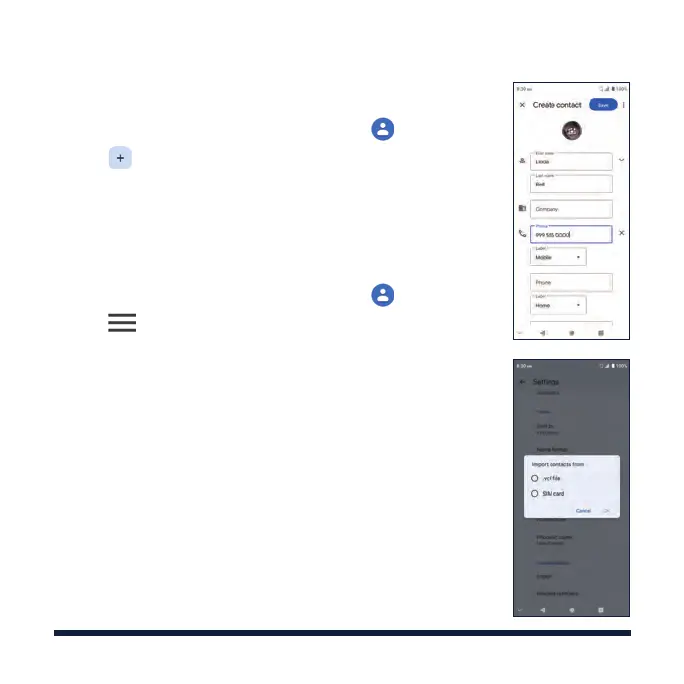
3. Enter the contact name, phone number, email
addresses, and other information, as shown.
4. Tap Save to save the contact.
IMPORTING CONTACTS IN BATCHES
1. Swipe up on the home screen and tap .
2. Tap > Settings > Import > .vcf file / SIM card >
OK.
3. Select the vCard file or the SIM card contacts you
want to import. If prompted, select an account in
which to save the contacts.



 To Next Page