9
INTERNET
CONNECTING VIA WIFI
1. Swipe up on the home screen and tap >
Network & internet > Wi-Fi.
2. Slide the on/o switch if Wi-Fi is o. Your phone
automatically searches for Wi-Fi networks in range
and displays their names and security settings. Your
phone also connects to previously linked networks
when they are in range.
3. Tap a network name to connect to it.
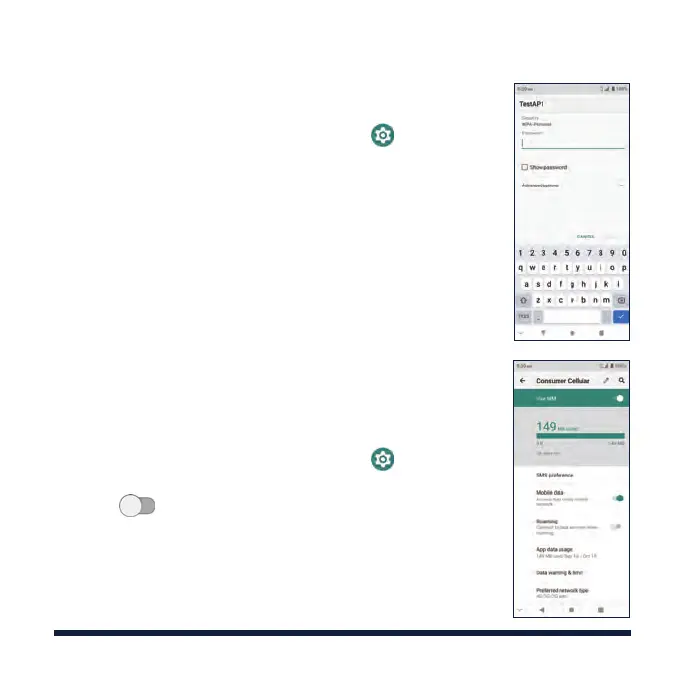
4. If the network is secured, enter a password or other
credentials (ask your network administrator for
details) and tap CONNECT.
NOTE: Your phone supports 2.4 GHz and 5 GHz Wi-Fi.
CONNECTING VIA MOBILE NETWORK
1. Swipe up on the home screen and tap >
Network & internet > Mobile network.
2. Slide next to Mobile data to enable mobile
data.



 To Next Page