13
EMAIL
SETTING UP GMAIL™
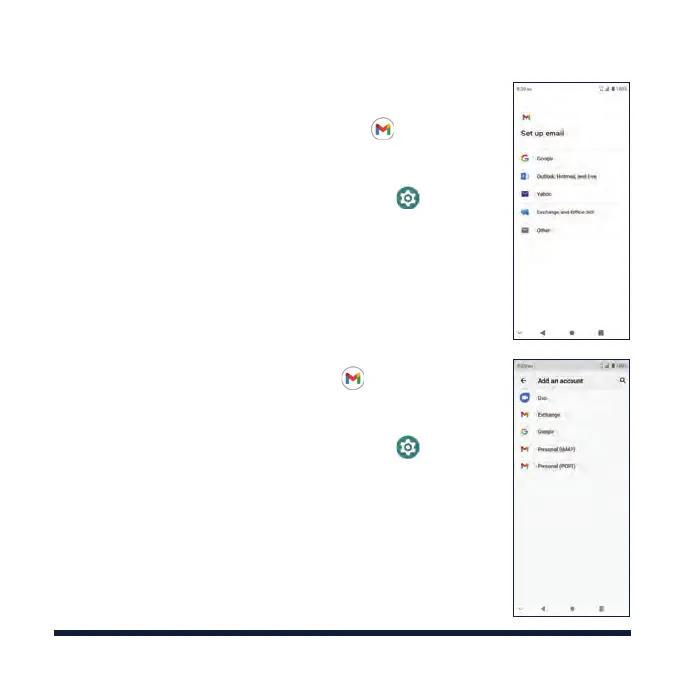
1. Swipe up on the home screen and tap > Add an
email address > Google.
NOTE: If another Gmail account is already set
up, swipe up on the home screen and tap
>
Accounts > Add account > Google.
2. Enter your existing Google™ email and tap Next, or
tap Create account.
3. Follow the instructions on the screen to set up the
account.
SETTING UP PERSONAL EMAIL
1. Swipe up on the home screen, tap > Add an
email address and select an email server.
NOTE: If another email account is already set
up, swipe up on the home screen and tap
> Accounts > Add account and select an email
account type.
2. Enter the email address and tap NEXT.
3. Enter the password, tap NEXT and follow the on-
screen instructions.



 To Next Page