7. Screen Adjustment and a Setup
User’s Manual
33
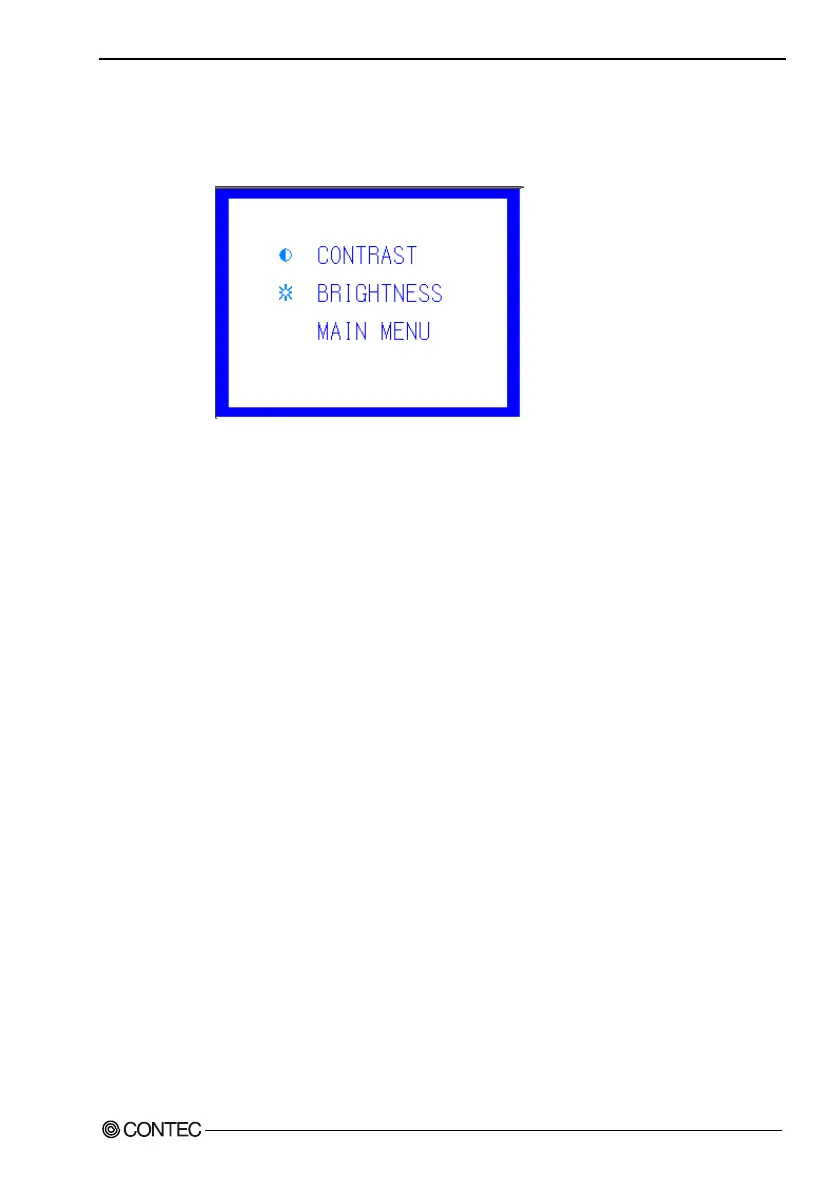
SCREEN : Select this item to adjust the display status of
the screen. Select this item to invoke the
submenu, select a desired item using [+] or [-],
then press [MENU] to accept the setting made.
Figure 7.3. SCREEN Submenu
CONTRAST : Select this item to adjust the contrast of the
screen. Press [+] or [-] to optimize the item.
BRIGHTNESS: Select this item to adjust the brightness of the
backlight. Press [+] or [-] to optimize the
item. The brightness can also be adjusted by
pressing the [+] and [-] keys without the
MENU screen displayed, as the direct
brightness control keys.
MAIN MENU: Select this item to return to the main menu.



 To Next Page