Installation 14
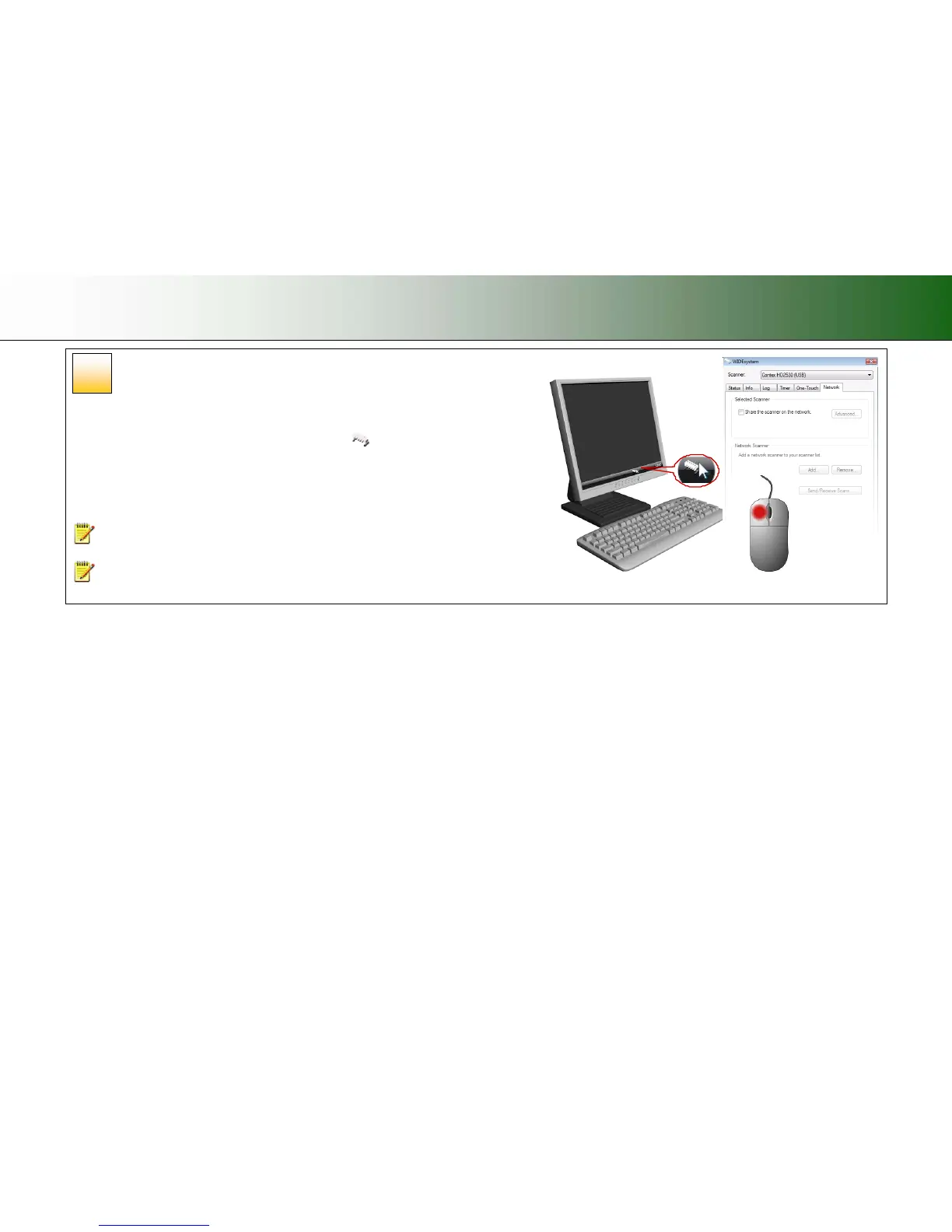
Share the scanner on the LAN (optional)
You can enable other PCs on the LAN to use the scanner. This is called “Sharing”. You can
setup the scanner as a “shared scanner” through WIDEsystem.
1. Double-left-click on the WIDEsystem program icon
and select the Network tab.
2. Select the option: Share the scanner on the network.
3. Press the OK button to accept the settings.
On most LAN systems, this is all you have to do. However, some systems will require
Advanced settings, such as specific communication port numbers. Contact your LAN
administrator for information regarding Advanced settings.
NOTE: Open WIDEsystem and press the <F1> key for viewing complete on-line help
regarding the Network setup procedures and options.
NOTE: PCs on the LAN that will use the scanner must be installed with WIDEsystem
and compatible scan/copy software.
17













 To Next Page