Loading Originals 19
Manual loading
1. Make sure the Paper handling option “Manual” is set in your scanning
application.
2. Align the center of the document with the center arrow marking on the
scanner bed.
3. Push the original into the insertion slot until you feel it contact the
rollers and the Paper Ready LED lights green.
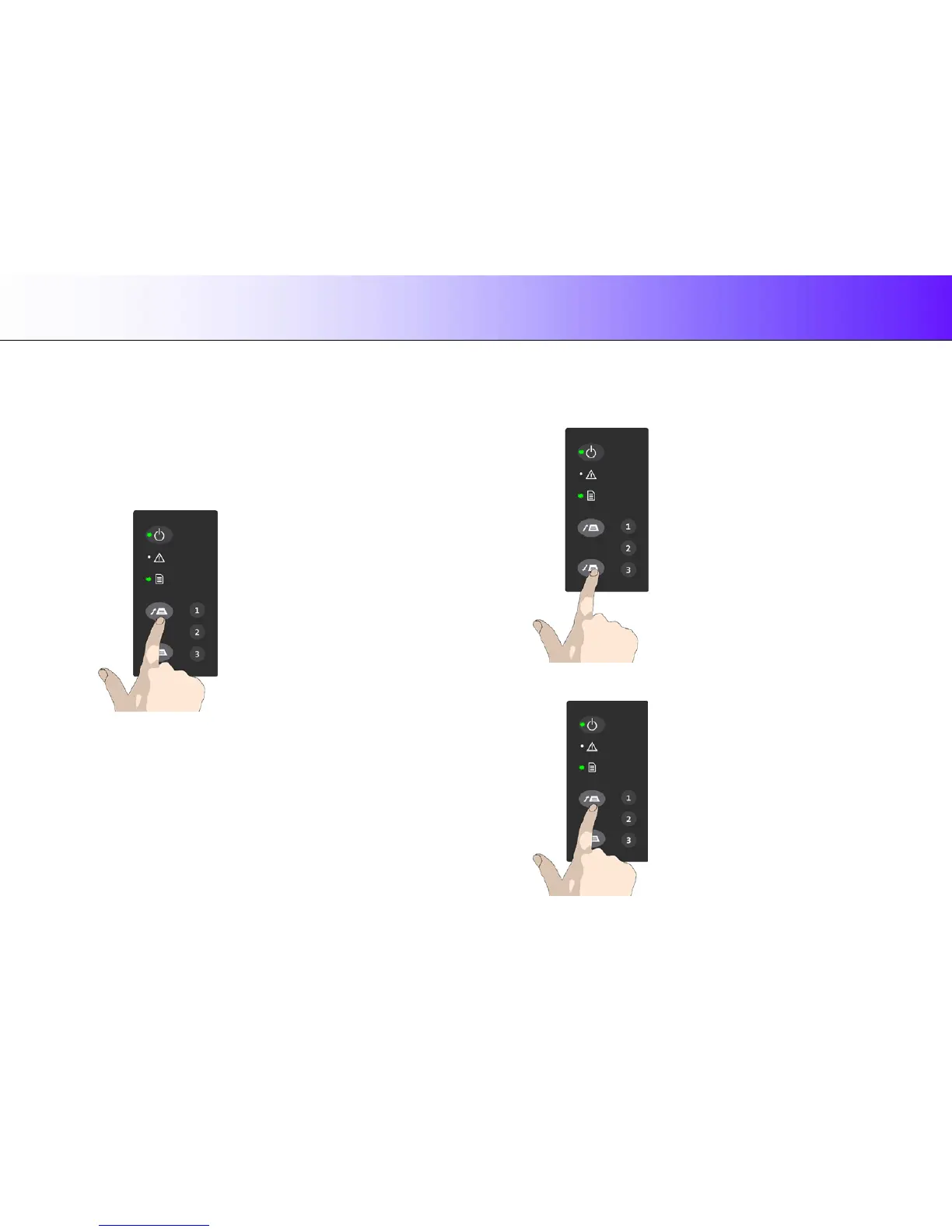
4. While holding the original in place with one hand, use the other hand to
press and hold down the Paper Forward button on the scanner.
When Paper Ready LED is green – press the Paper Forward button
5. The original moves into the start-scan position.
Unloading the original after scan
1. Press the Paper Backward button to eject the original back to the
scanner feeding bed (towards you).
2. Press the Paper Forward button if you wish to eject the original out
the back of the scanner.













 To Next Page