Maintenance 34
Replacing the glass plate
Replacing the glass plate: Your documents move against the glass plate as they pass the scanner’s sensors. After long-term use, the glass plate can become
worn or scratched and this can affect image capture precision. Changing the glass will renew your scanner and ensure optimal results.
To replace a worn glass plate:
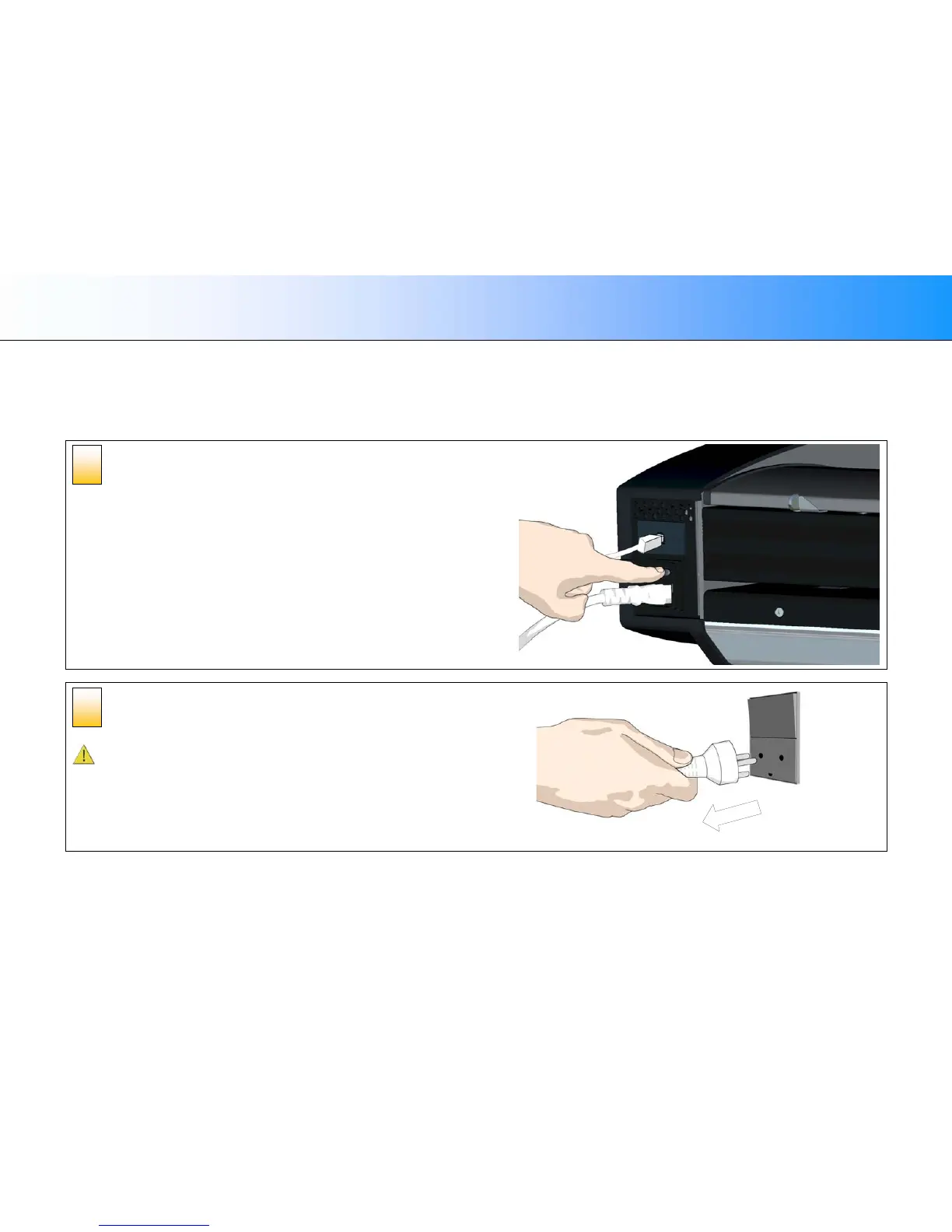
Turn the main power to OFF
Press the main power switch at the back of the scanner to the OFF position.
Disconnect the scanner’s power plug
CAUTION: This step is to ensure your own personal safety and to help
protect your device from potential damage.
2
1













 To Next Page