Turning the Scanner ON/OFF 17
Sleep mode options - automatic entry and idle time
On delivery, the scanner is set for automatic entry into sleep mode after a
preset idle time, i.e., the length of time the scanner is not active. You can
prolong or shorten the idle time value to match your normal workflow.
To change/set the sleep mode options:
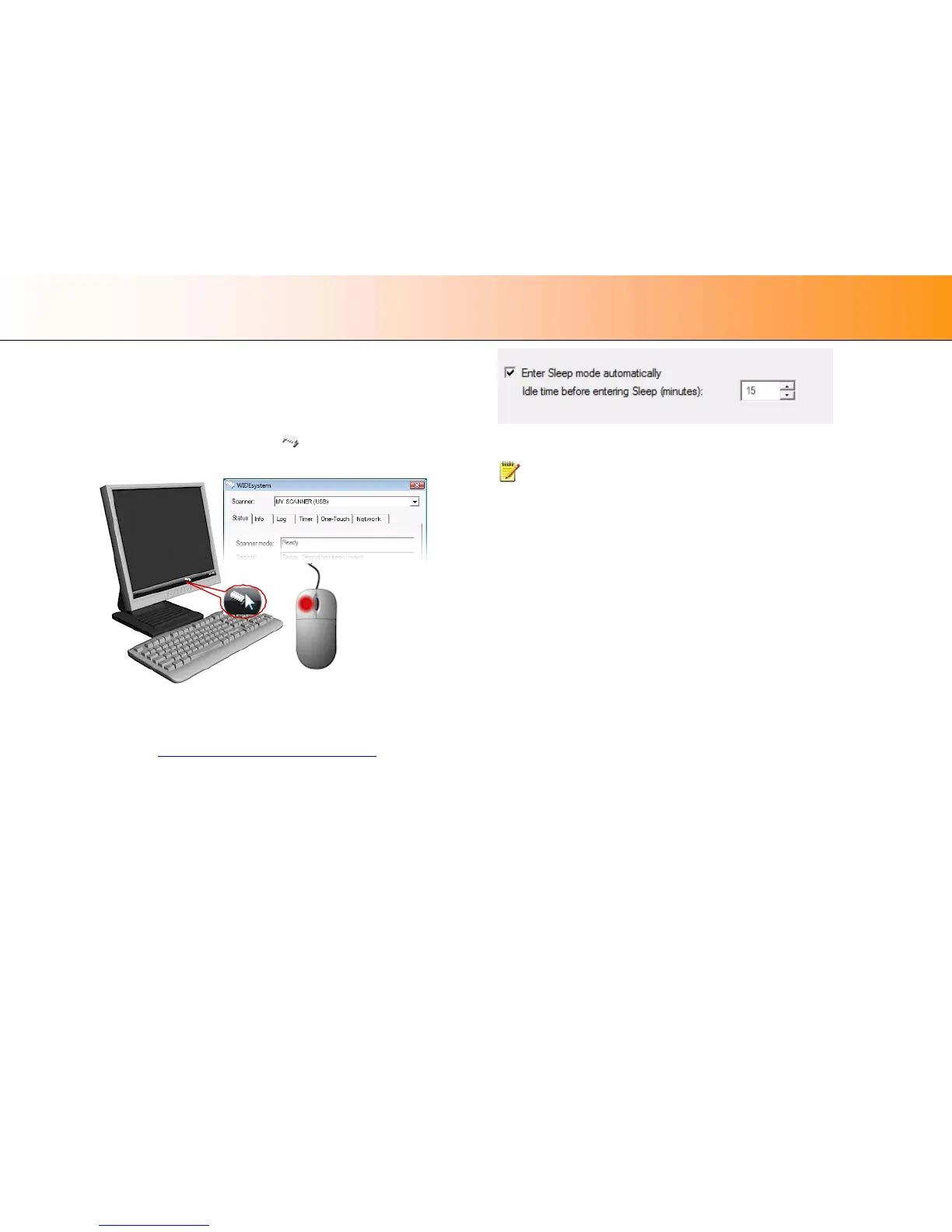
1. Double-left-click on the scanner icon
in the system tray to open the
WIDEsystem program.
2. Select the Timer Tab.
3. Select or deselect the Enter Sleep mode automatically option.
4. If you do not select the Enter Sleep mode automatically option, you will
need to use the manual method for entering sleep mode
.
5. If you do select Enter Sleep mode automatically option, proceed to the
next step to set the Idle time value.
6. Set the value Idle time before entering sleep. This is the number of
minutes the scanner can stand idle before entering the sleep mode on
its own.
7. Press Apply to download your settings into the scanner’s memory.
Sleep Mode options in the WIDEsystem program – Timer tab
NOTE: With the scanner main power ON, the scanner can also be
brought into Wake-up and Sleep modes manually even while the Enter
sleep mode automatically option is selected.
• Wake - by pressing any button on the panel or inserting a document for
scanning.
• Sleep – by pressing and holding down the power button for 3 seconds.
You can choose to disable automatic entry into Sleep mode entirely if you
want only manual activation of the sleep mode or, you can leave it enabled
and retain both manual and automatic functions.













 To Next Page