Maintenance 29
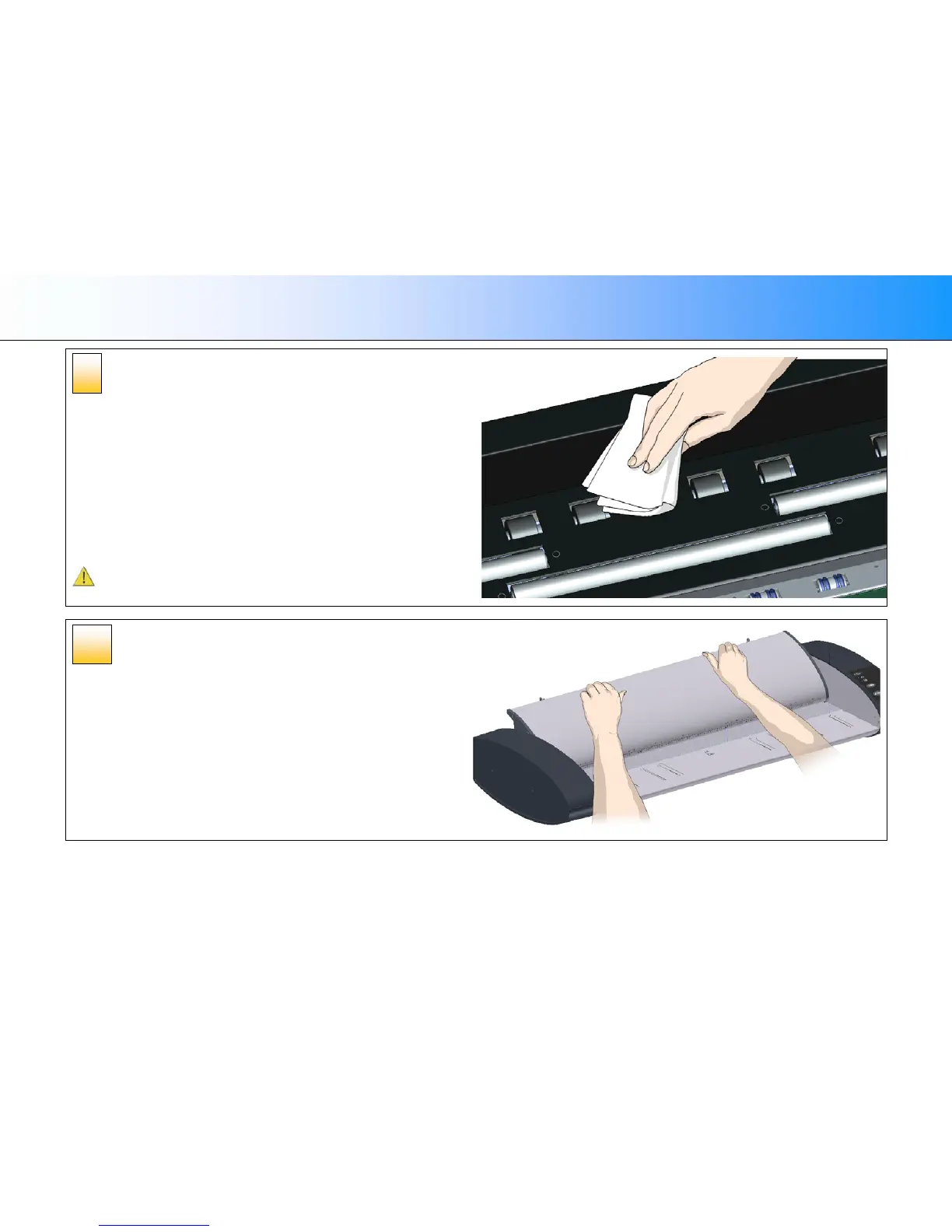
Clean the transport rollers
The transport rollers are placed in two rows on each side of the white pressure
rollers. The black transport rollers are motorized and function to move the
document through the scanner.
1. Spray/apply a mild, streak-free, glass cleaner onto a lint-free cloth.
2. Gently wipe the transport roller’s surface.
3. Use the cloth to turn the rollers so you wipe all sides. The transport rollers
are all connected on the axels so you only need to turn one to turn them
all.
4. Dry the transport rollers completely using another clean, dry lint-free cloth.
5. Make sure that you leave the area dry.
CAUTION: Do not spray/apply cleaner fluids directly to the rollers or
anywhere else in the scan area.
Close the lid
1. Close the scanner lid all the way down until you here the lid latches
“click”.
2. Gently try to pull open the lid to ensure it is locked in the “closed”
position.
3. Plug in the scanner and turn the main power switch to ON.
10
9













 To Next Page